English
13
4. To pause recoding, press the Pause button. Press it again to resume
playback.
5. To stop recording, press the Stop/Eject button.
PHONO to TAPE
1. Press the Phono/AUX/ button and set the unit to phono mode.
2. Lower the tone arm to start playback of the record.
3. Insert a cassette tape, and press the RECORD and PLAY button to record
the sounds from record.
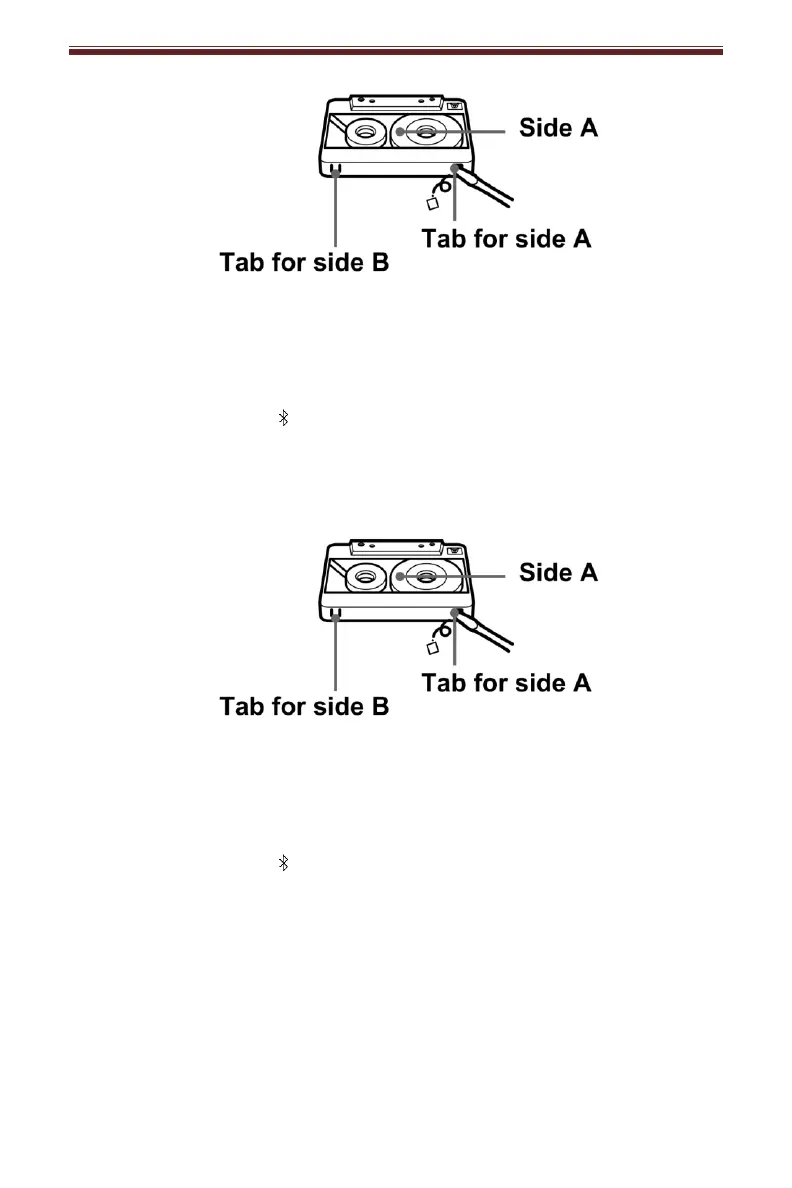
Note: To prevent accidental recording, break off the cassette tab from side A or B.
4. To pause recoding, press the Pause button. Press it again to resume
playback.
5. To stop recording, press the Stop/Eject button.
Bluetooth to TAPE
1. Press the Phono/AUX/ button and set the unit to Bluetooth mode.
2. Turn on the Bluetooth feature of your audio device, search for “CROSLEY
CR7014A” and pair.
3. Play and stream music from your device to the unit.
4. Insert a cassette tape, and press the RECORD and PLAY button to record
the sounds from the Bluetooth device.
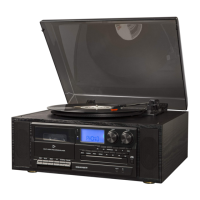
Note: To prevent accidental recording, break off the cassette tab from side A or B.


 To Next Page