Programmed Playback
Getting Started
Control Locators....................... 4,5
Unpacking................................. 6
Power Source........................... 6
Base Operation
Turntable Operation.................. 7
Accessory: Adapter for 45 rpm
.................................................. 7
Cassette Operation.................. 8
Radio Operation....................... 8
CD Operation
Playing a CD............................. 9,10
Programmed Playback............. 10
Connecting Optional Equipment
Auxiliary Input ......................... 11
General
Troubleshooting Guide.......... 11
Warranty.............................. 12
10
About This Manual
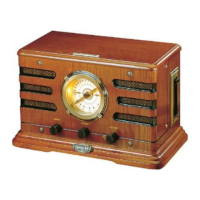
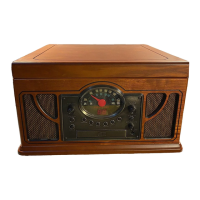
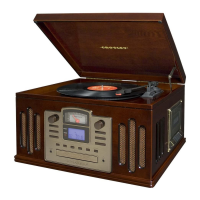
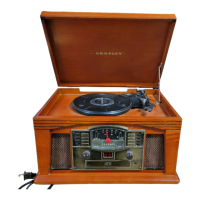
Thank you for purchasing the Crosley Lancaster
(CR42). Before operating this unit, please read this
manual thoroughly and retain it for future reference.
Instructions in this manual describe the control
functions of the CR42.
Welcome Table of Contents
3
1 Press the PROGRAM BUTTON (2). " 01" will
shown on the display and the PROGRAM
INDICATOR (3) will flash.
2 Press the FORWARD SKIP BUTTON (4) or
the
BACKWARD SKIP BUTTON (5) to select
a track.
3 Press the PROGRAM BUTTON (2) again to
store the selected track number.
4 Repeat steps 2 and 3 above to program other
tracks.
5 Press the PLAY BUTTON (8) to start
Programmed playback. The PROGRAM
INDICATOR (3) will be on.
6 To erase the programmed sequence, press the
STOP BUTTON (10) twice or until the
PROGRAM INDICATOR (3) is off. Programmed
tracks will also erase when the
CD DOOR
(16)
is opened.
NOTE: Maximum of 20 tracks can be programmed
to play in any order.
CD Operation


 To Next Page
 Loading...