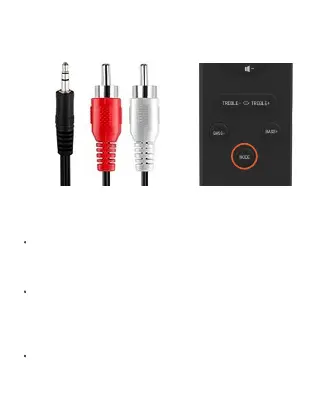
Play your sound source equipment (like a TV or
computer) with the soundbar.
For this mode an optical audio connecting cable is
needed (not include in the list of accessories).
Connect one end of the optical audio connecting
cable to the optical output interface, and the other
end to the optical input interface of the Device.
Press ‘MODE’ key repeatedly to switch to optical
mode, after which the white indicator will show
‘OPT’ mode on the soundbar along with the Optical
mode sound.
Optical Input Mode


 To Next Page