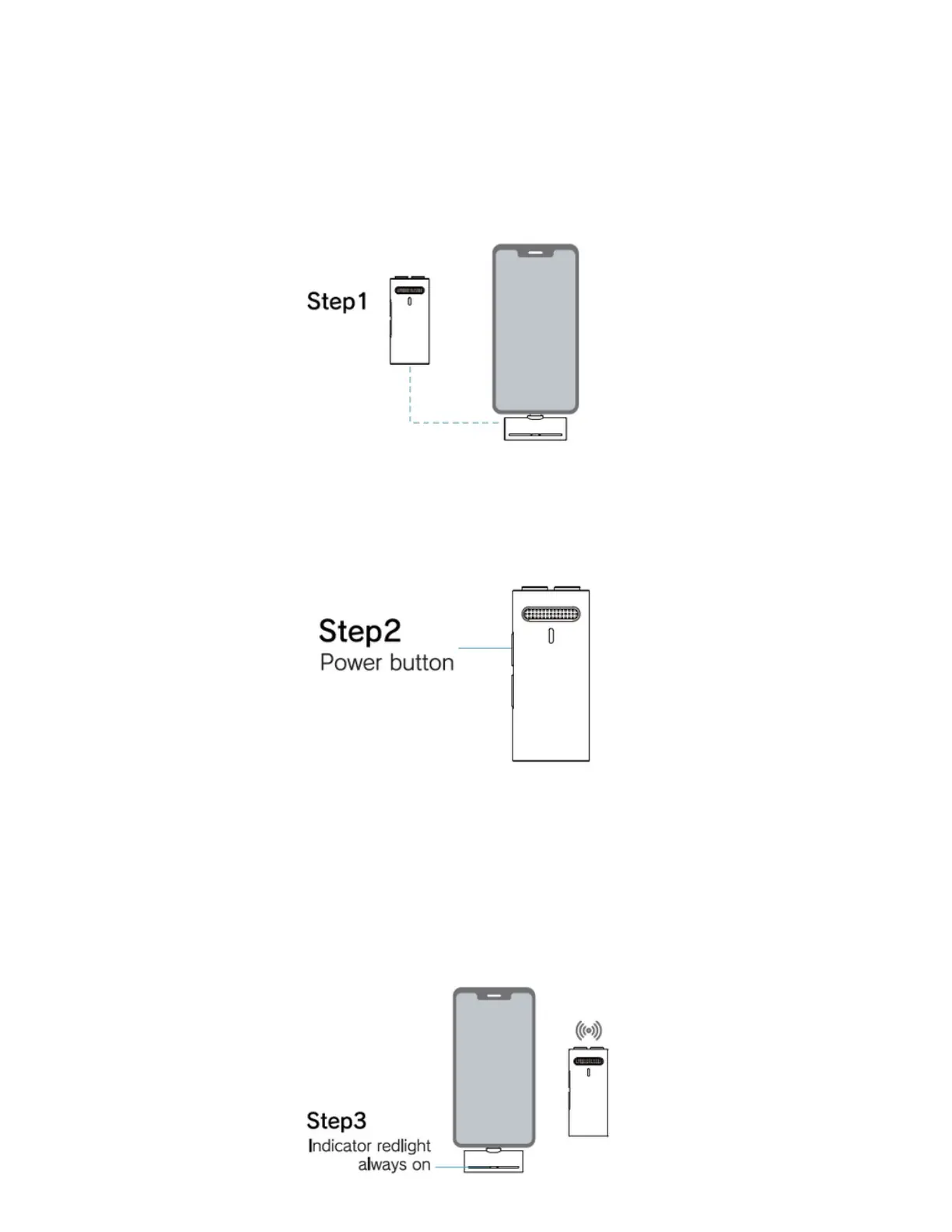
How to connect and use
Step 1: Connect the receiver to phone USB or Lightning port, once connected
blue light will flash on the receiver .
Step 2: Press the power button of the microphone. The indicator light flashes
blue and red alternatively, meaning the microphone is turned on.
Step 3: After the receiver is connected with the transmitter, the indicator blue
light of the receiver and the indicator blue and red light of the transmitter keep
always on. Then, open the phone camera, live app, or other apps, and then use
the microphone to receive sound and record sound.



 To Next Page