Blinking alternately
red and blue
Blue and red light always ON
Blue and red light always ON
red light turns off and blue
light always ON
red light blinks once then blue
and red light light always ON
blue light starts blinking
Blue and red light always ON
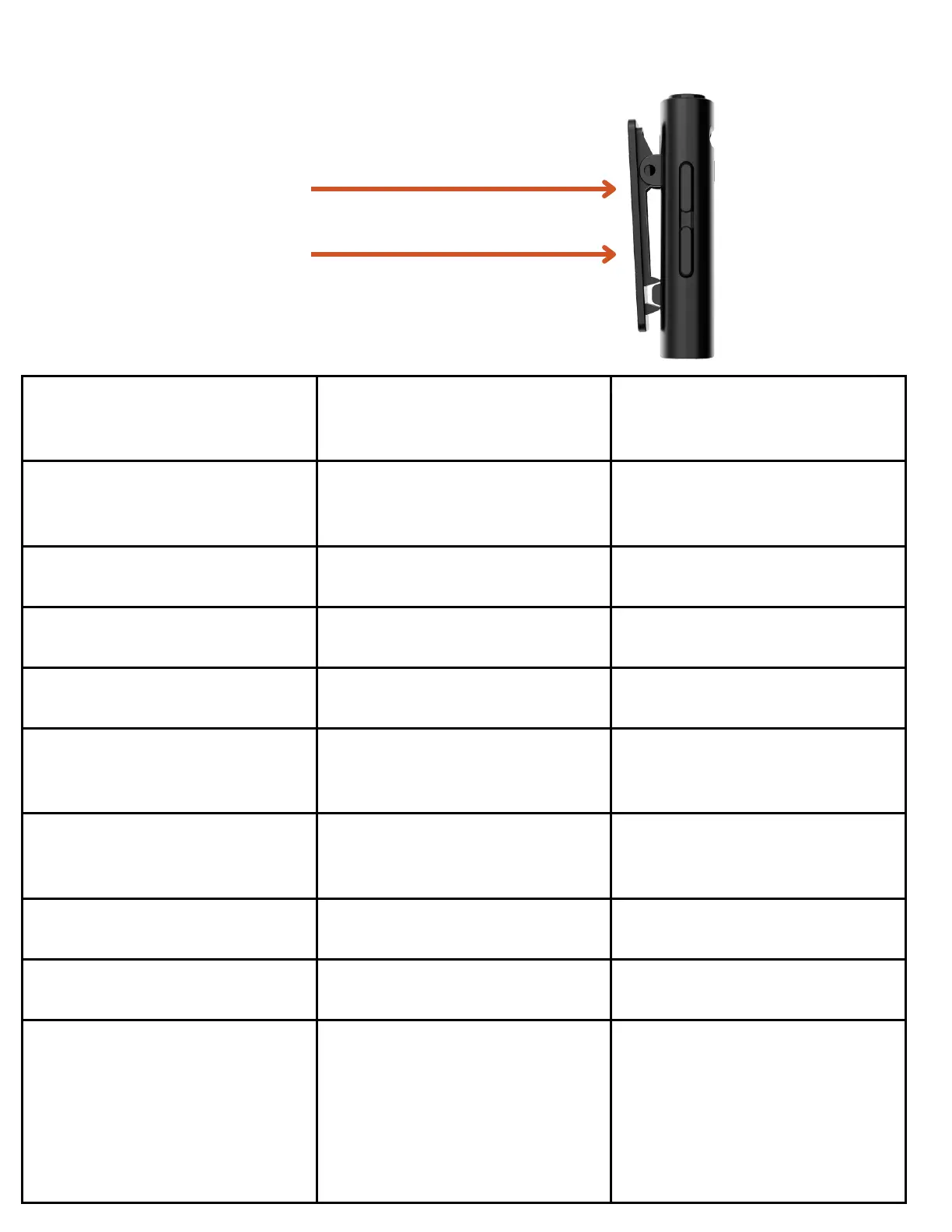
press the 4 key to switch the
voice levels between 3 levels
level 1: The indicator light
blinks once .
level 2: The indicator light
blinks twice.
level 3: The indicator light
blinks 3 times.
Microphone and Receiver working and UI
4
5


 To Next Page
 Loading...