© Copyright All Rights Reserved Crowcon Detection Instruments Ltd.
T4 Familiarisation
April 16
19
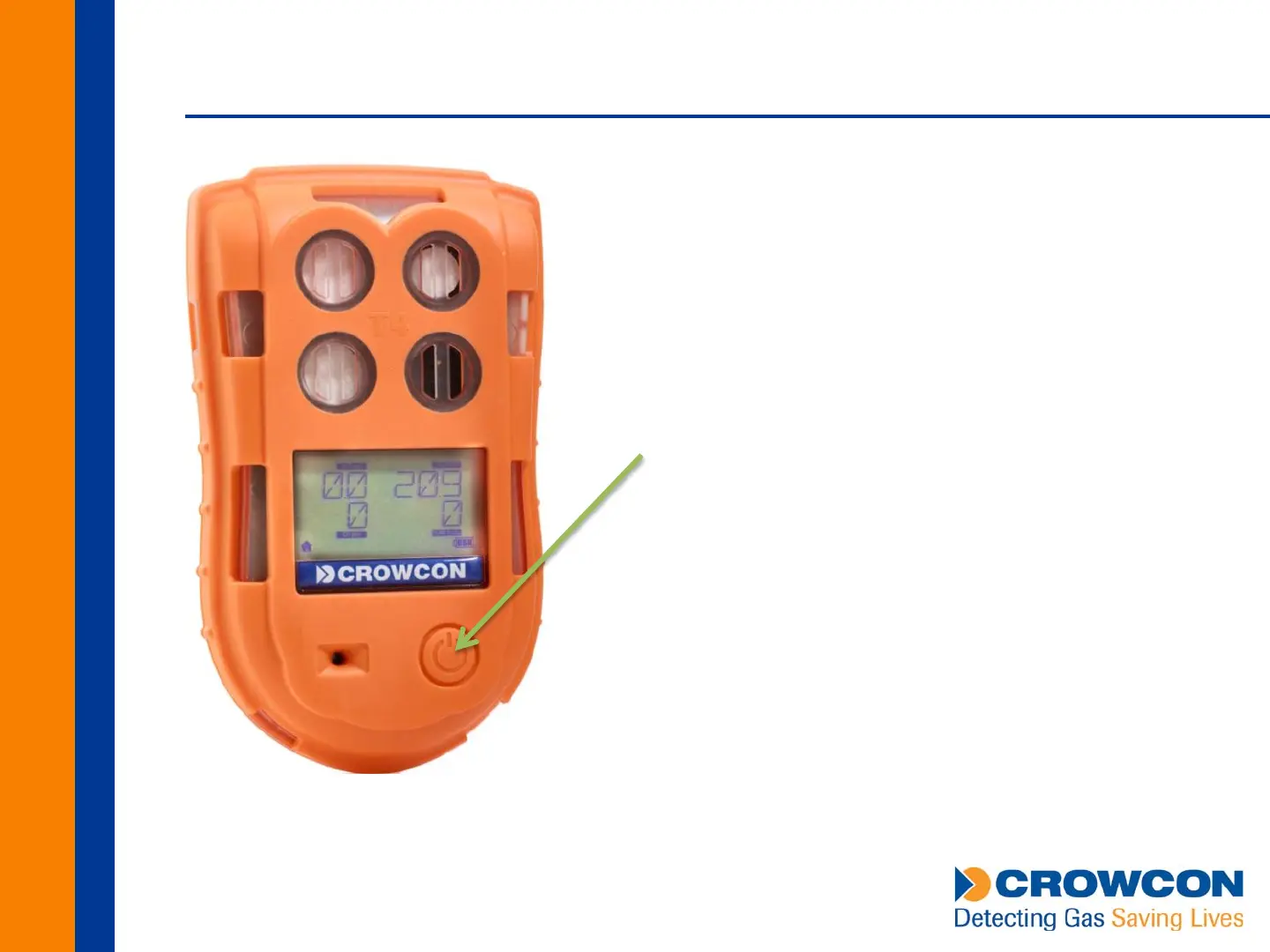
Single Button Operation
Hold to turn on
Hold to turn off
Double press to open menu
Double press to select menu item
Single press to navigate menu/confirm action
Easy to operate wearing gloves
Backlight activates whenever button pressed



 To Next Page