28
English
• Press and release button 5 to meas-
ure the width�
• Display 1 will show the measured
length / width and the calculated
area�
Volume measurement (see g. 8, 19)
• Turn on the appliance�
• Press and release button 27 or 6
(depending on the model) to enter the
volume measurement mode� Display 1
will show sign 14 (see g. 8, 19). There
are ickering symbols around sign 14;
they show which of the three distances
should be further measured�
• Set the appliance in the measure-
ment starting point�
• Press and release button 5 to meas-
ure the length�
• Press and release button 5 to meas-
ure the width�
• Press and release button 5 to meas-
ure the height�
• Display 1 will show the measured
length / width / height and the calcu-
lated volume�
Indirect measurements (see
g. 9, 20-22)
• Turn on the appliance�
• Press and release button 27 or 6
(depending on the model) to enter the
area measurement mode� Display 1 will
show sign 15 (see g. 9, 20-22). Parts
of sign 15 will icker to show the dis-
tance to be measured further�
• Take measurements as shown in
gures 9, 20-22. The arrows with num-
bers show the sequence of measure-
ments� The distance to be measured is
indicated with "x"�
Maintenance
Error codes (see g. 13, 26)
• When the appliance is operated,
the display may show the error codes
that mean the following:
• Err10 - the batteries are
discharged - replace them�
• Err15 - the distance to be
measured is outside the measurement
range - aim the beam more accurately,
or measure the distance in parts�
• Err16 - the received signal is
too weak - use a special light target
(accessory), ensure that the appliance is
immovable when taking measurements�
• Err18 - the received signal is too
strong (the surface reectivity is too
strong) - use a dark target (accessory)�
Cleaning the appliance
• Keep the appliance clean� Do not
use caustic substances or solvents�
• Remove contamination from the
laser beam output hole 2 and receiv-
ing lens 3, using substances suitable
for camera lenses� Do not use sharp
objects or corrosive substances�
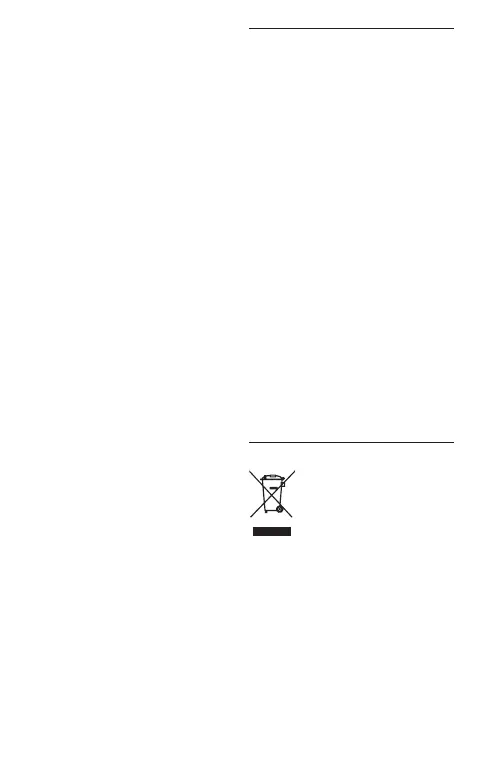
Environmental protection
Recycle raw materials
instead of disposing as
waste.
Appliance, accessories and
packaging should be sorted for envi-
ronment-friendly recycling�
The plastic components are labelled
for categorized recycling�
These instructions are printed on re-
cycled paper manufactured without
chlorine�
The manufacturer reserves the possibility to introduce changes.


 To Next Page
 Loading...