Specifications
5-19
5.6 Description of the Pressure Controller
CAUTION
DO NOT change settings of the pressure controller before reviewing this entire
section. Changing these settings will cause the automatic operating system to
malfunction. Pay close attention to Section 5.6
The dewar vapor pressure controller is used to monitor and control pressure in the
dewar. A dewar pressure controller cable connects the pressure controller to the
pressure transducer on the vapor return line. The controller is configured to add the heat
necessary to maintain the internal pressure of the dewar within 0.125 PSIG of the set
point. This set point varies with operation mode, but always remains at positive pressure.
This setting will eliminate the risk of operating the system under a vacuum in the dewar.
The controller has been programmed to monitor the pressure every 250 milliseconds.
The heater power is updated every 250 milliseconds and the display is updated twice
every second. Heater output is adjusted in small increments to maintain the pressure
near the set point.
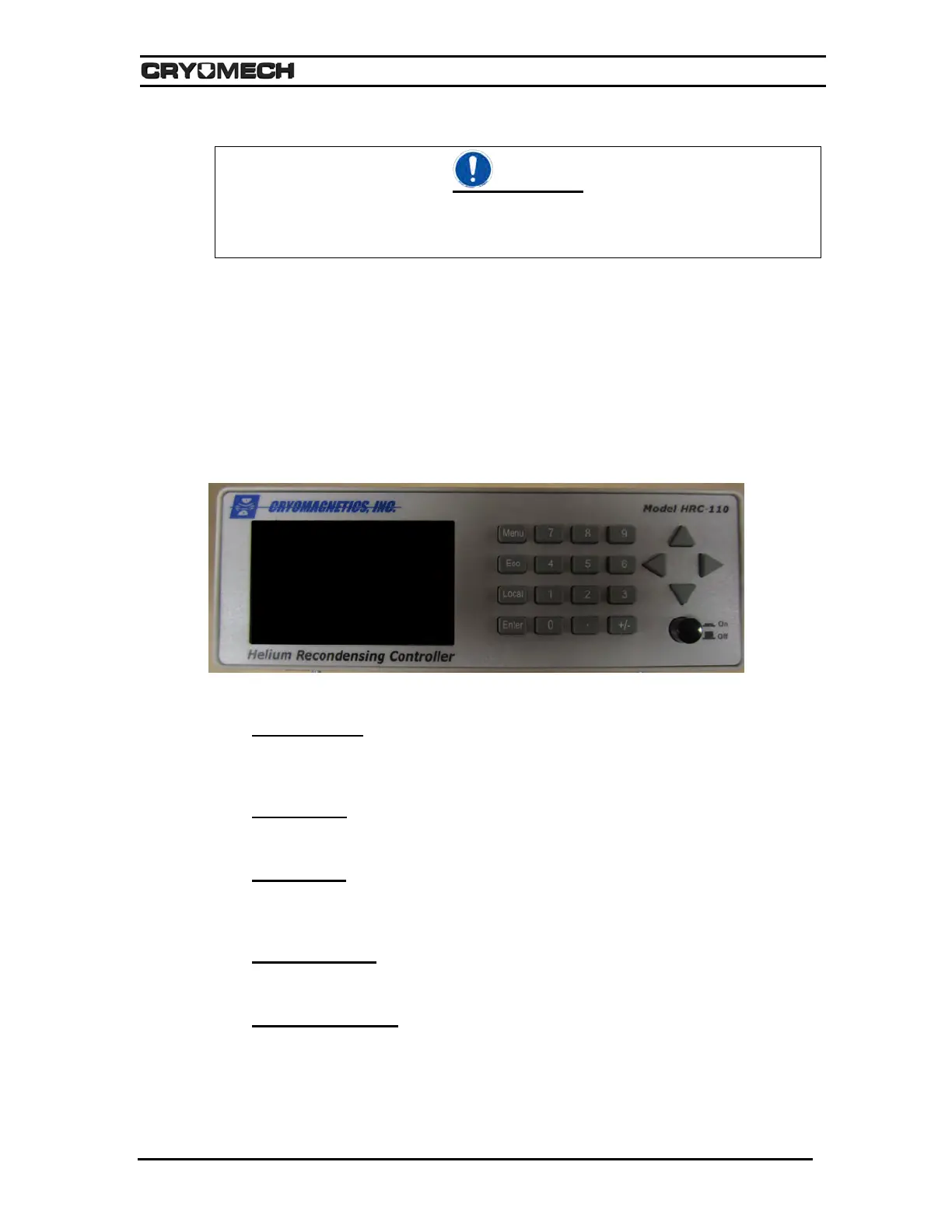
Figure 5-12: Front panel of the pressure controller
A. Display Screen
The Display Screen shows the current or active menu item. The default screen will show
the current pressure inside the dewar/cryostat and heat load being applied in watts (W).
B. Menu Button
The Menu Button activates and toggles between the default screen and menus.
C. Enter Button
The Enter Button selects the current menu or confirms the selected setting. The enter
button changes the selected setting.
D. Up Arrow Button
The Up Arrow Button is used to move the cursor up.
E. Down Arrow Button
The Down Arrow Button is similar to the up arrow button, however it moves in the
opposite direction.



 To Next Page