Appendix A
A-4
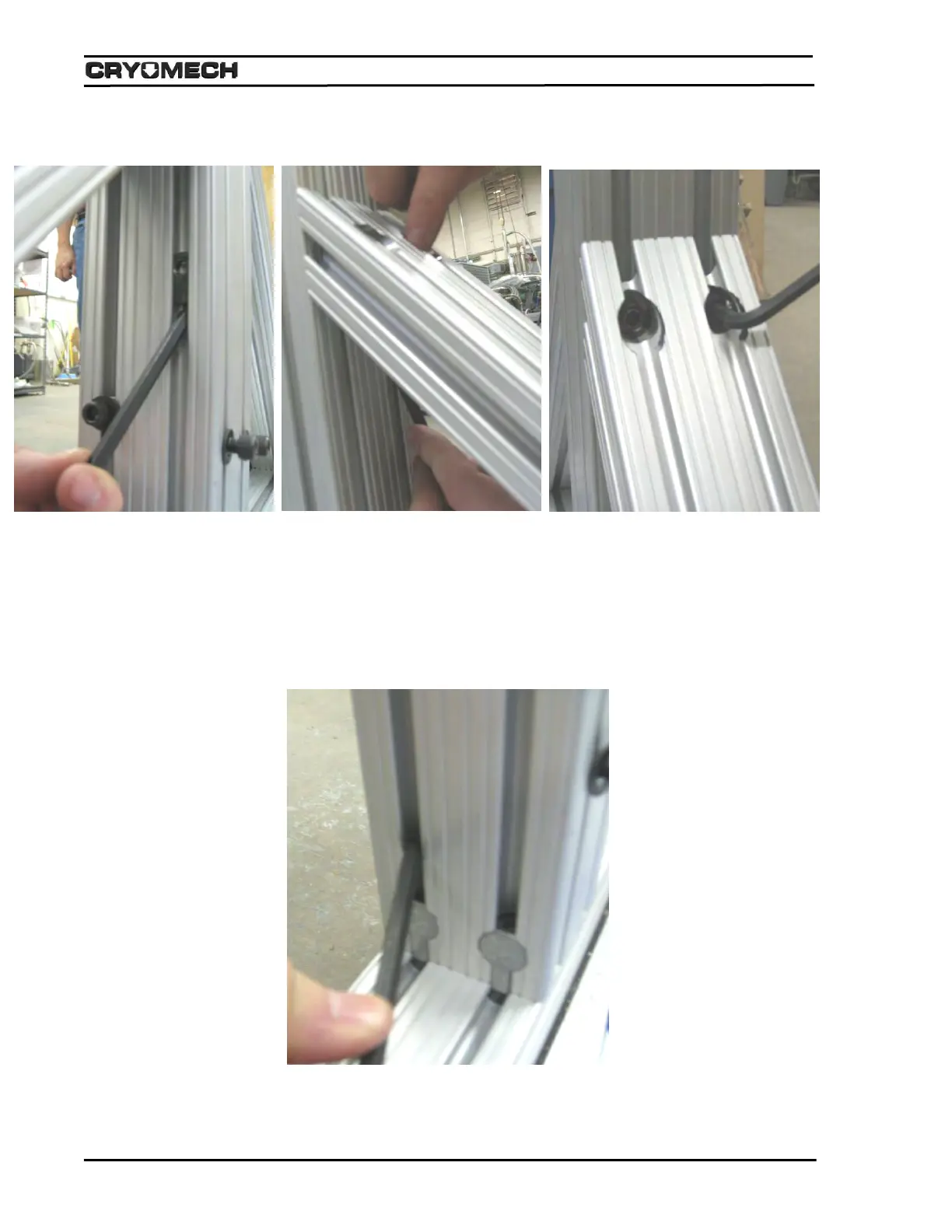
5) Install all the main beam side support hardware using the method shown for each bolt/washer
combination.
A) Remove one bolt from the washer B) Slide the mounting hardware up C) Tighten the bolt with
using the ¼” hex wrench as support using the wrench, lining the threads up the ¼” hex wrench.
for the washer. with the hole and finger tighten the bolt.
6) Tighten the (4) main beam mounting bolts that secure the main beam to the base assembly using the
¼” hex wrench.



 To Next Page