ReDi PC 50 A Quick Installation Guide
________________________________________________________________________
3 Installation Procedure
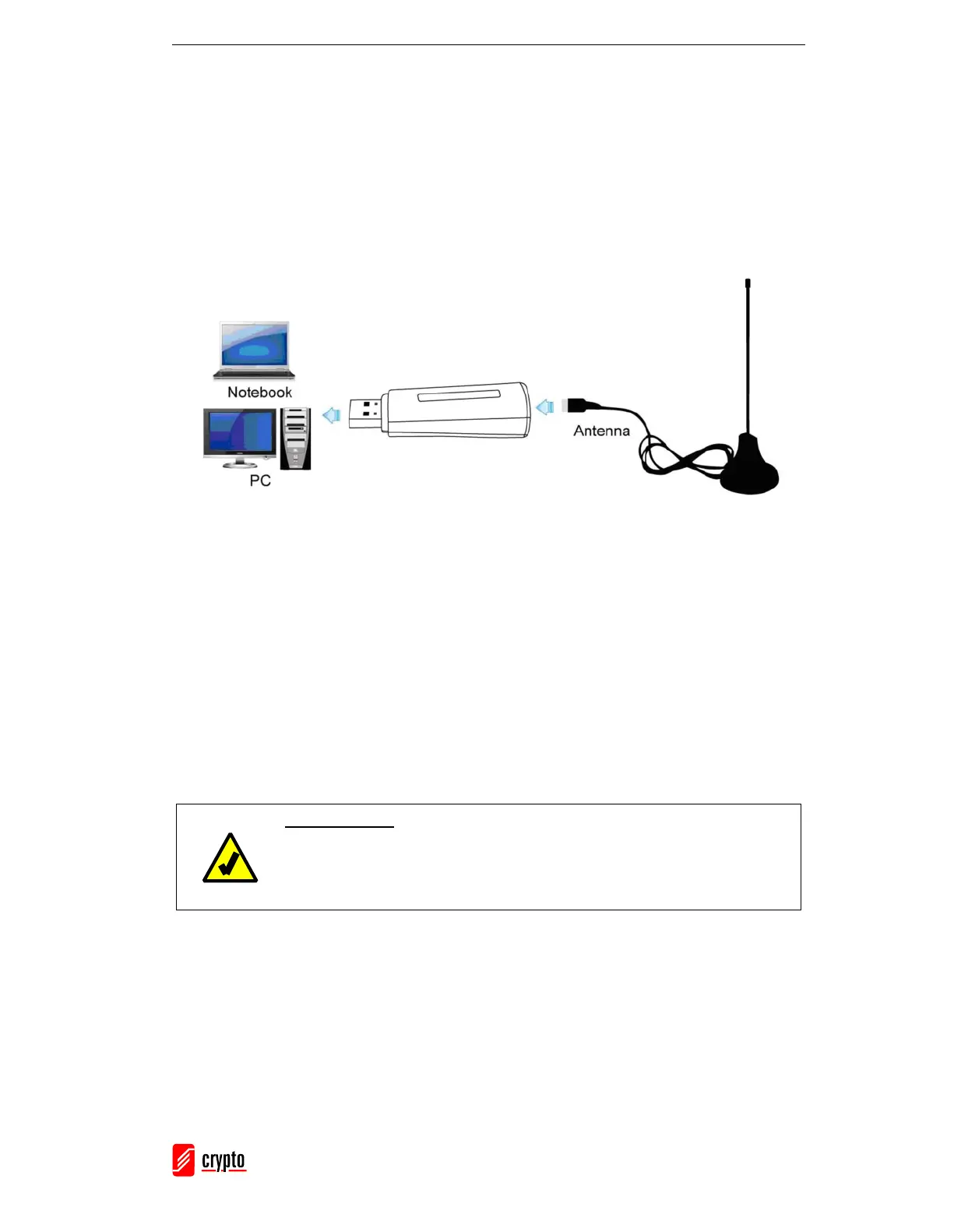
This chapter describes how to connect your ReDi PC 50 A to your computer and install
all of the available drivers and software.
3.1 Connection Diagram
3.2 Device Driver Installation
Please insert the CD disk that comes with ReDi PC 50 A in the CD-ROM drive of your
computer.
IMPORTANT: Don’t Plug in ReDi PC 50 A to your PC
The following driver / software must be installed first before plugging
in ReDi PC 50 A.


 To Next Page