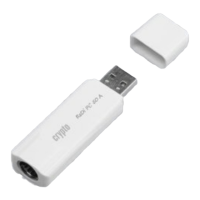
ReDi PC 50 A Quick Installation Guide
________________________________________________________________________
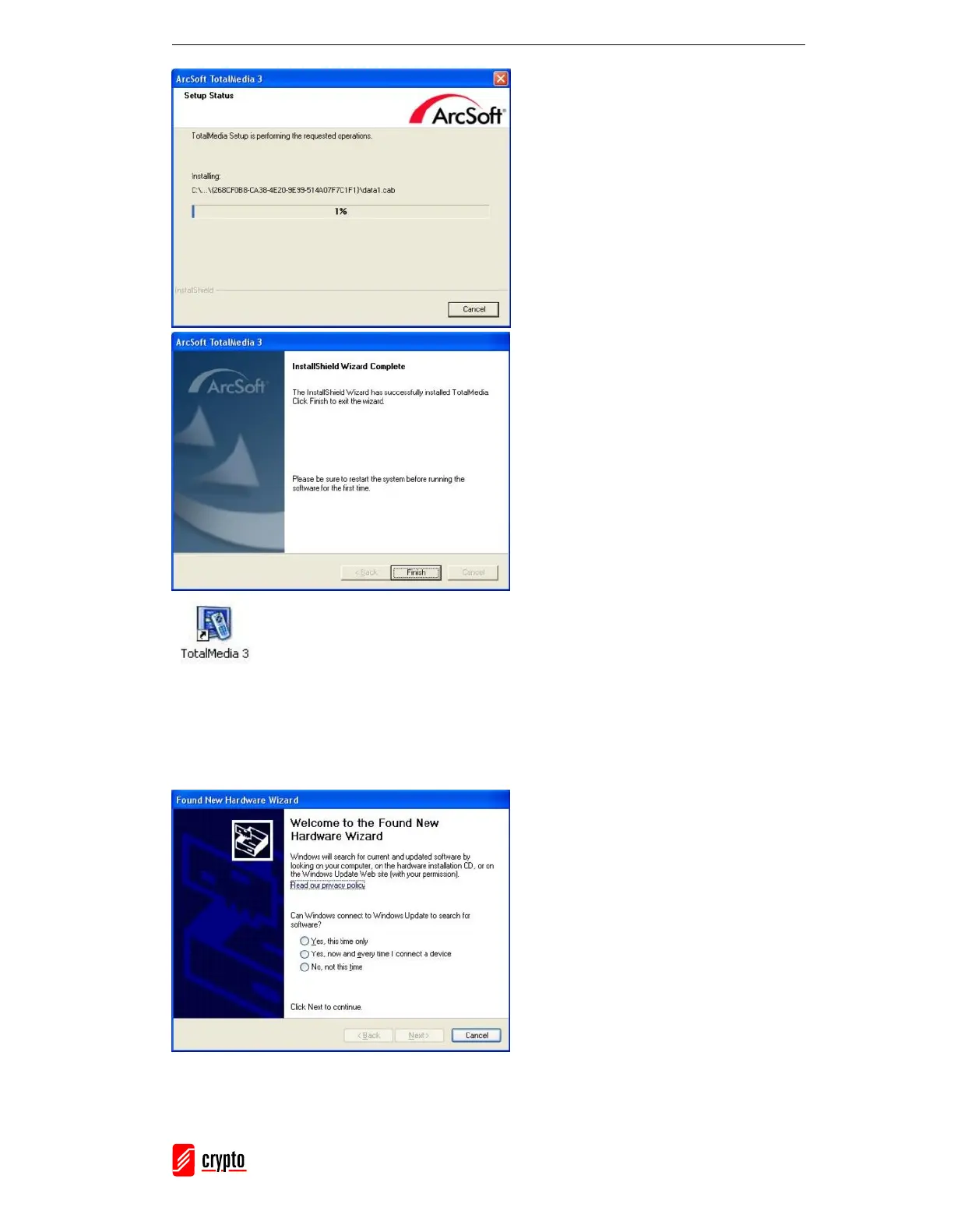
6. The Installation procedure may
require a few minutes, depending on
you hardware specifications.
7. Click “Finish” to finish with the
installation procedure of Arcsoft
Total Media Software.
8. After Restart, you will see the
DVB-T application icon on your
desktop
9. Connect your ReDi PC 50 A Device
to your PC. A new window will
come up
10. Choose “No, not at this time” and
press “Next” to proceed.


 To Next Page