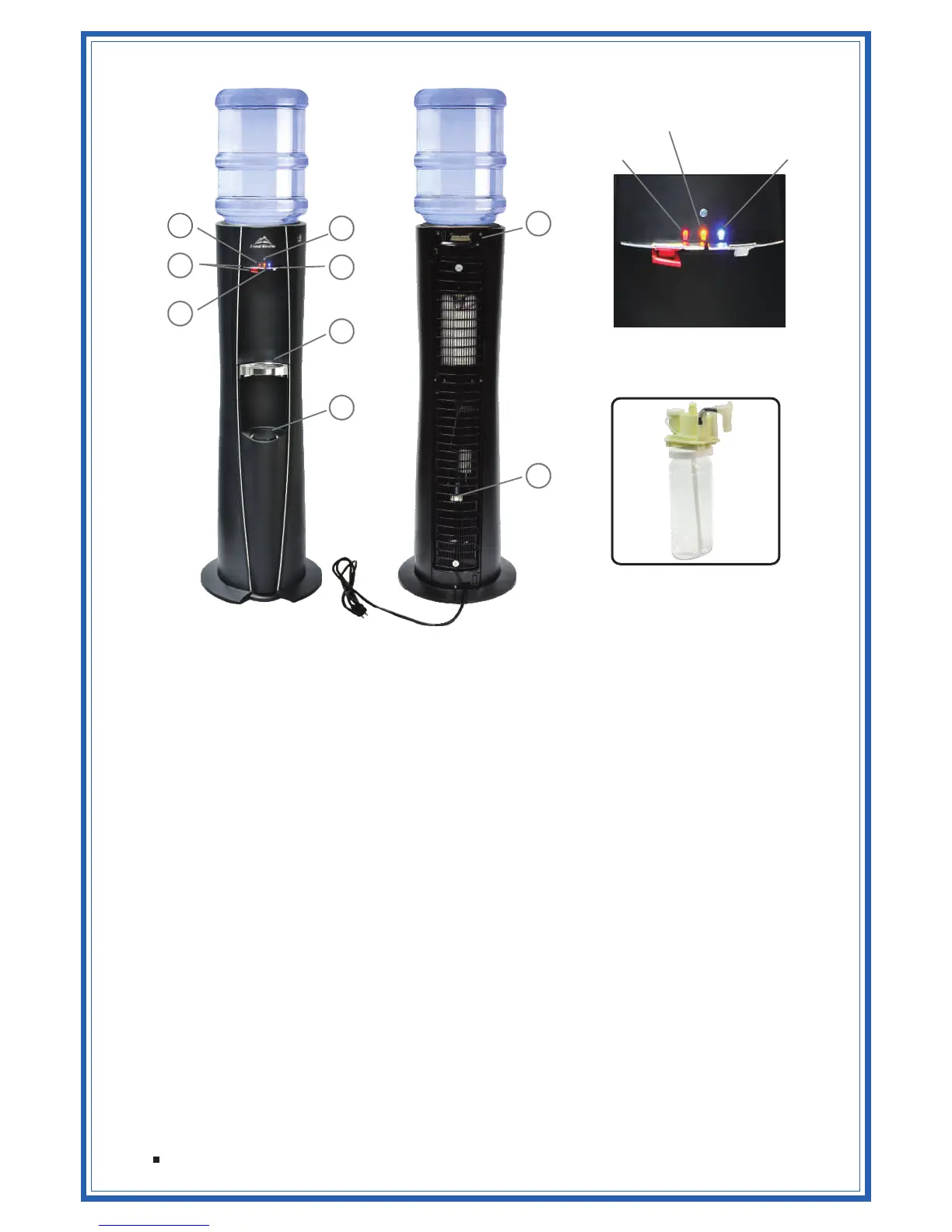
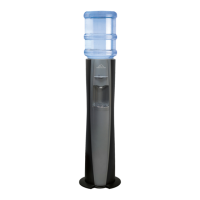
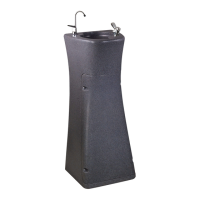
1. LED Indicator Lights
Cold LED ( – On when cooler is connected to power)Blue
Cook / Hot LED ( / – – C&C Model or Hot Tank Switch in OFF position – Green GREENRed
RED – Hot Tank Switch is ON)
CrystalFlo LED (Yellow – Flash when CrystalFlo timer reaches set point) – light not activated
for any other function
2. Light sensor (Activates Power save function when room lights are turned off)
3. Cold Water Lever – Depress lever to dispense water. Release lever to stop.
4. Hot/Cook Water Lever
Hot Water Lever (with Child Resistant Safety Feature) – Pinch the lever upwards, and RED
depress faucet lever to dispense water. Release lever to stop.
Cook Water Lever – Depress lever to dispense water. Release lever to stop.
5. Dispense Area Lighting
Nightlight ( – On when cooler is connected to power)Blue
Pour Area Light (White – on during water dispense)
6. Drip Tray – Dishwasher Safe. Snaps in and out. Position glass or cup over center to avoid
spills.
7. Cup Dispenser – Integrated spring loaded cup dispenser (9oz flat bottom)
8. Hot Water Activation Switch – Located on the back of product near the top right corner (when
viewed from rear of product)
9. Water Outlet – Hot (or Ambient) and Cold water is dispensed from this location
FEATURES
LED Indicator Lights
Cold LED
Cook / Hot LED
CrystalFlo LED
CrystalFlo Water Cartridge
1
2
3
4
5
6
8
9
7
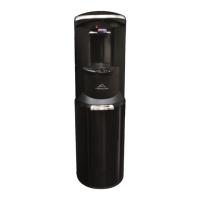
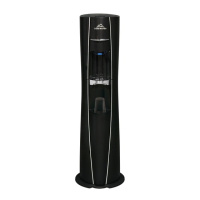
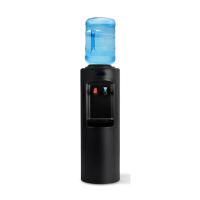
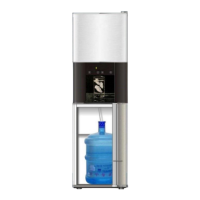
Product may not appear exactly as shown



 To Next Page