12 English
Note: Please bear in mind that the vibraon only works if the game or programme
is supporng this funcon and if the corresponding funcon has been acvated in
the gaming opons.
You can test the dual vibraon funcon on your computer. Therefore call up the
gamepad’s sengs in the “system control” under “devices and printer” (Windows
Vista / 7 / 8) respecvely under “game controller” (Windows XP).
Some PC-Games require a custom conguraon of the gamepad. Please check
the conguraon in the Windows opons for the controller, then the sengs in
the game (some have an external conguraon le) or use an addional emula-
on-soware for a custom conguraon.
To be able to use the complete range of funcons the installaon of the drivers is
necessary.
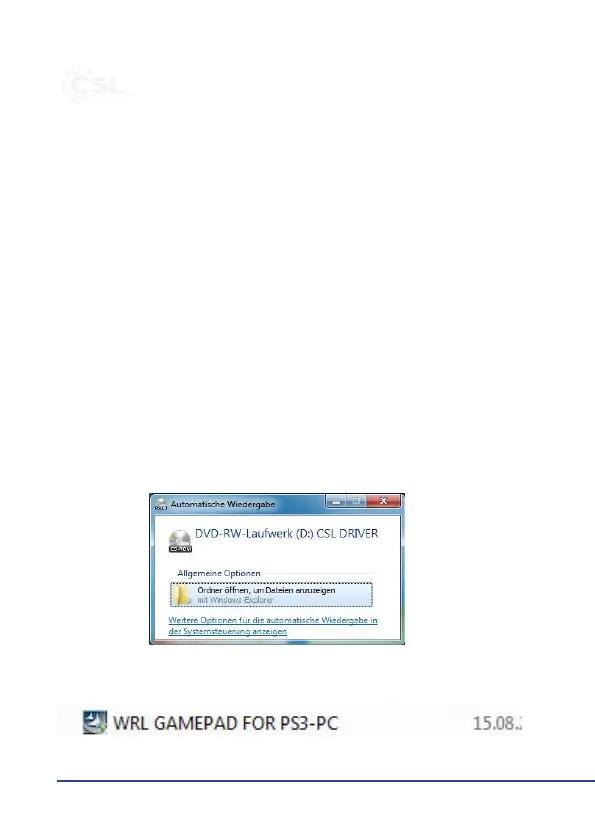
Insert the driver CD into the open drive and close it again. The automac playback
opens. Clicking once on “Open folder to view les” the CD contents is displayed.
Start “WRL GAMEPAD FOR PS3-PC.exe”.


 To Next Page
 Loading...