All-In-One ESS Energy Storage System
Function Buttons
5. Routine Maintenance
5.1 Maintenance Plan
◆Check if wire connections are loose.
◆Check if cables are aged/damaged.
◆Check if cable insulating ribbon drops.
◆Check if cable terminal is loose, any overheat sign.
◆Check if ground connection is good.
5.1.1 Operating Environment
(Every six months)
Carefully observe whether the battery system equipment is ineffective or
damaged; When the system is running, listen to any part of the system for
abnormal noise;
Check whether the voltage, temperature and other parameters of the battery and other equipment
parameters are normal during system operation;
5.2.2 Equipment Cleaning
(Every six months to one year, depending on the site environment and dust content, etc.)Ensure
that the ground is clean and tidy, keep the maintenance access route unblocked,and ensure that
the warning and guiding signs are clear and intact.
Monitor the temperature of the battery module and clean the battery module if necessary.
Button Description
ESC To exit setting mode
UP To go to previous selection
DOWN To go to next selection
ENTER To confirm the selection in setting mode or enter setting mode
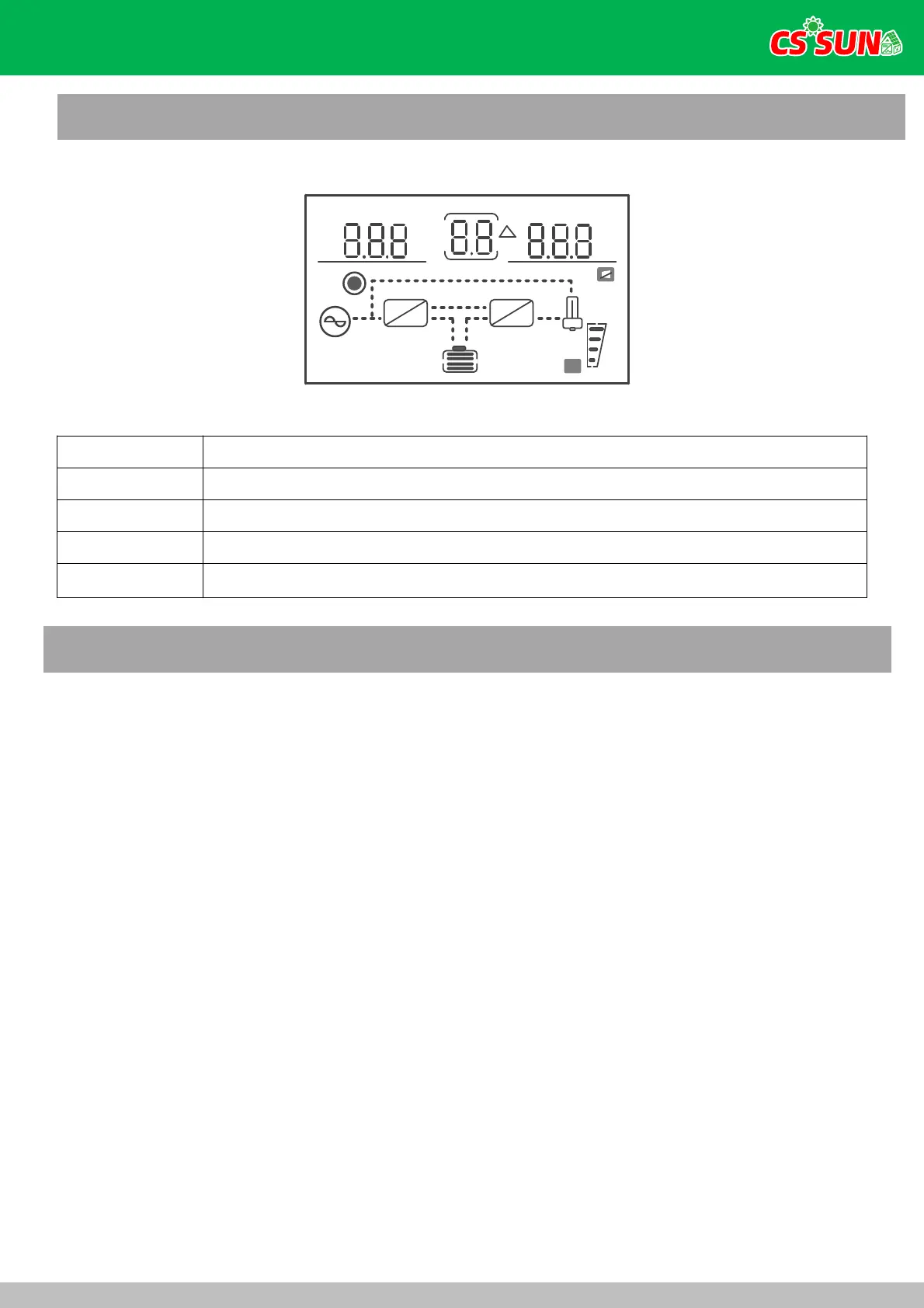
INPUTBATTTEMP. OUTPUTB ATT LOAD.
BP S
AC
PV
R ST
kW
k VA
%℃
Hz
kW
k VA
%℃
Hz
H
M
!
E RR OR
~
=
=
~
~
P
25%
100%
LO W BAT.
ECO CF
4.EMS Introduction And Set Up
4.1 LCD DisplayIcons
13



 To Next Page