EasyManua.ls Logo

CT Systems Wavetek 2500 - Page 11

Default Icon
56 pages
Print Icon
To Next Page IconTo Next Page
To Previous Page IconTo Previous Page
Loading...
SECTION-3
OPERATION
3.1
INTRODUCTION
This
section
contains
operating
instructions
for
the
Model
2500
Cellular
Tester/Simulator,
Communications
Service
Monitor.
Included
are
descriptions
of
the
front-
and
rear-panels
(refer
to
Figures
3-1
and
3-2),
and
notes
on
use
of
features.
3.2
FRONT-PANEL DESCRIPTION
LED
annunciators
light
to
indicate
an
active
function
or
mode.
An
audible
error
tone
sounds
if
the
user
makes
an
invalid
entry.
In
order
to
identify
the
instrument's
functions
and
the
corresponding
keys,
see
the
following
descriptions:
CT
SYSTEMS I INC.
[l
_______
___...l]
eCELLULAR
TEST
e SERVICE MONITOR
2500-MANUAL
I.
K~Z
I
AUDIO
SYNTH
·~
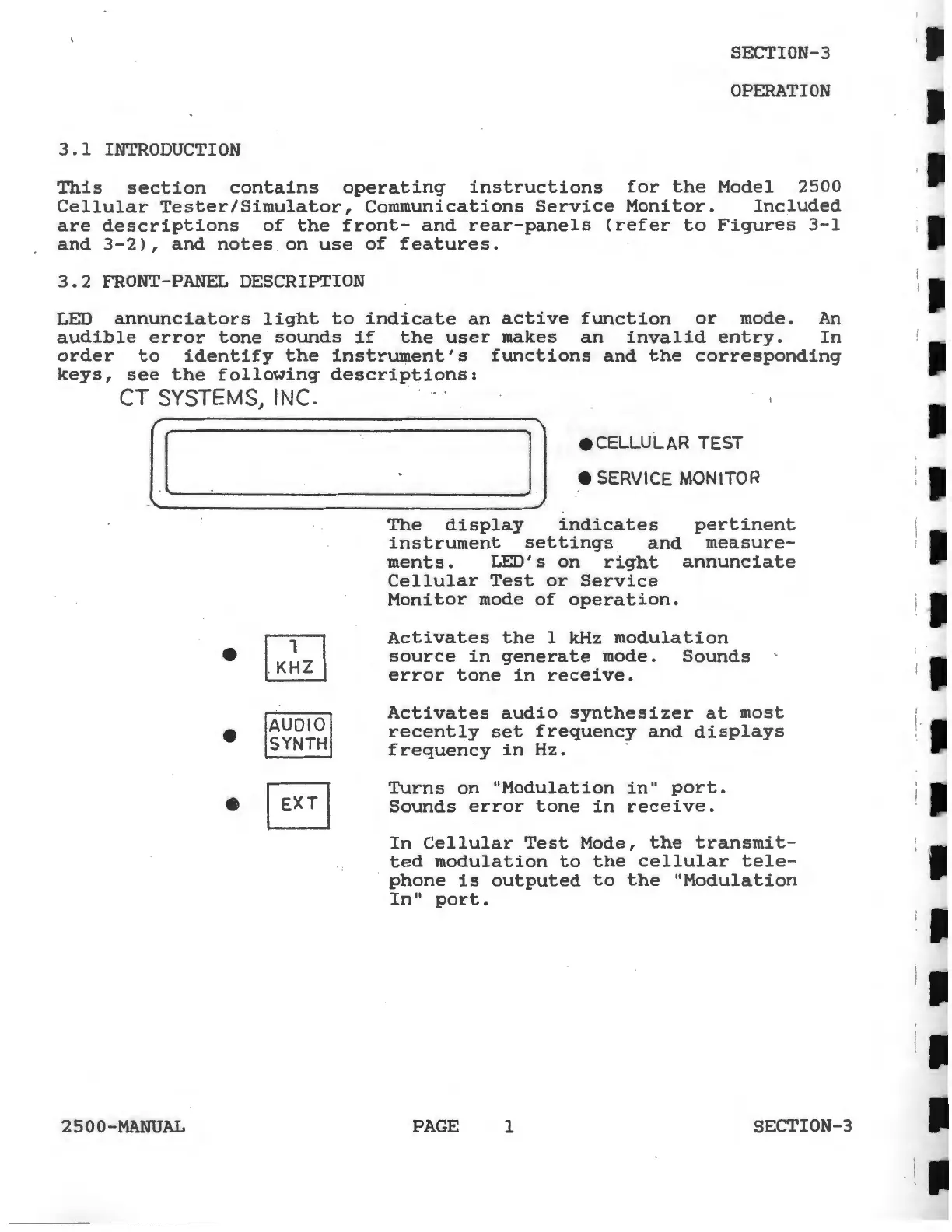
The
display
indicates
pertinent
instrument
settings
and
measure-
ments.
LED's
on
right
annunciate
Cellular
Test
or
Service
Monitor
mode
of
operation.
Activates
the
1 kHz
modulation
source
in
generate
mode.
Sounds
error
tone
in
receive.
Activates
audio
synthesizer
at
most
recently
set
frequency
and
displays
frequency
in
Hz.
-
Turns
on
"Modulation
in"
port.
Sounds
error
tone
in
receive.
In
Cellular
Test
Mode,
the
transmit-
ted
modulation
to
the
cellular
tele-
phone
is
outputed
to
the
"Modulation
In"
port.
PAGE
1
SECTION-3
I
i.