17
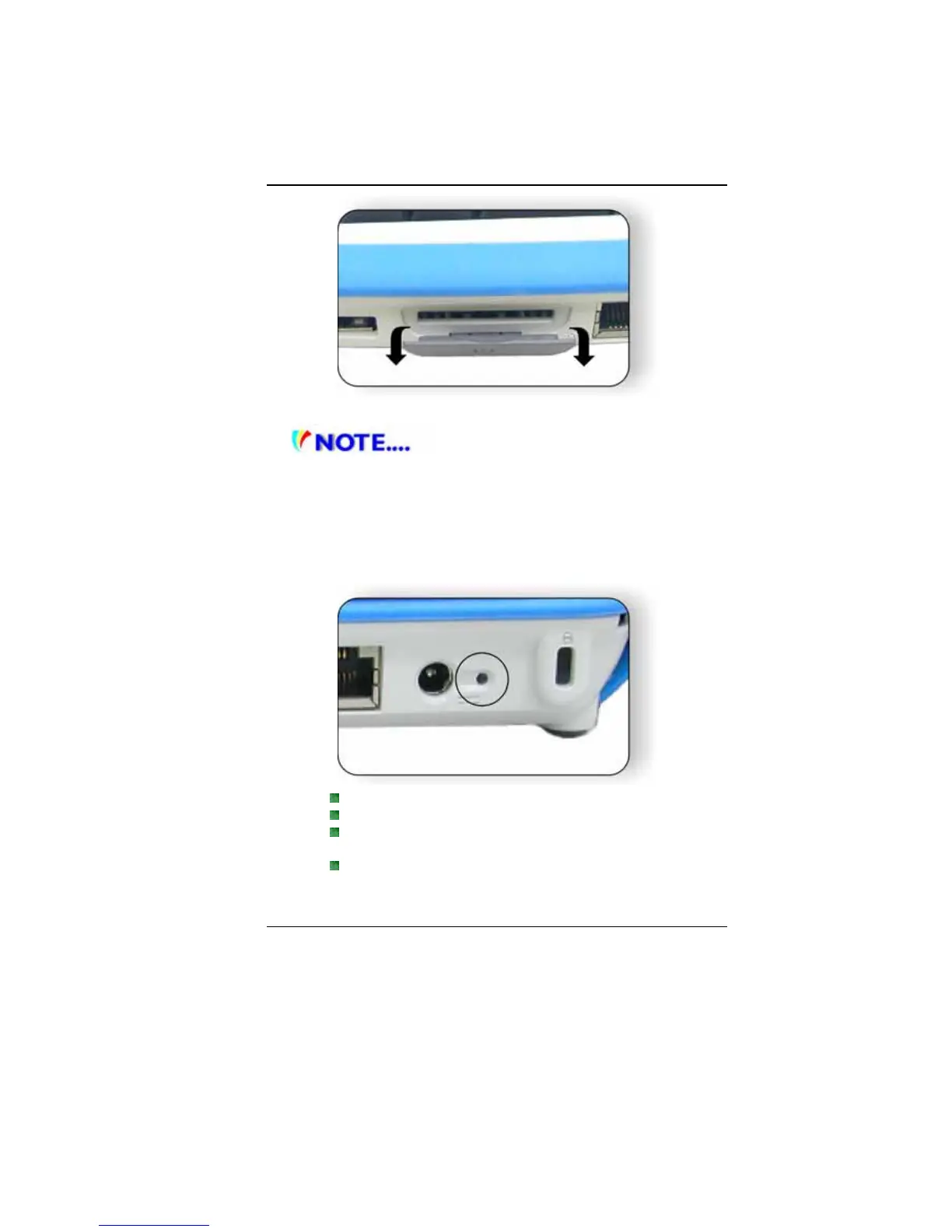
3. Ethernet / LAN Port
When using a LAN, please use an EMI
Shielding Cable to minimize an inteference when transmitting.
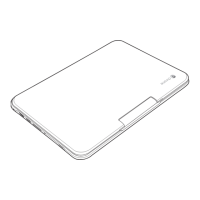
4. Power Jack (DC-in)
The DC-out jack of the AC Adapter connects here and powers
the computer.
5. Power Indicator
This LED will blink in green color once the AC adapter is
connected.
Light off indicates there is no battery attached
Green light indicates the battery is fully charged
Fast blinking (1sec/cycle) indicates the battery
temperature is high
Blinking (2sec/cycle) indicates the battery is in charging
mode


 To Next Page