36
Communication: See Below.
Item Selections /
Sub-menu
Description
Card Reader Enable/Disable Enable or disable the Card Reader
function.
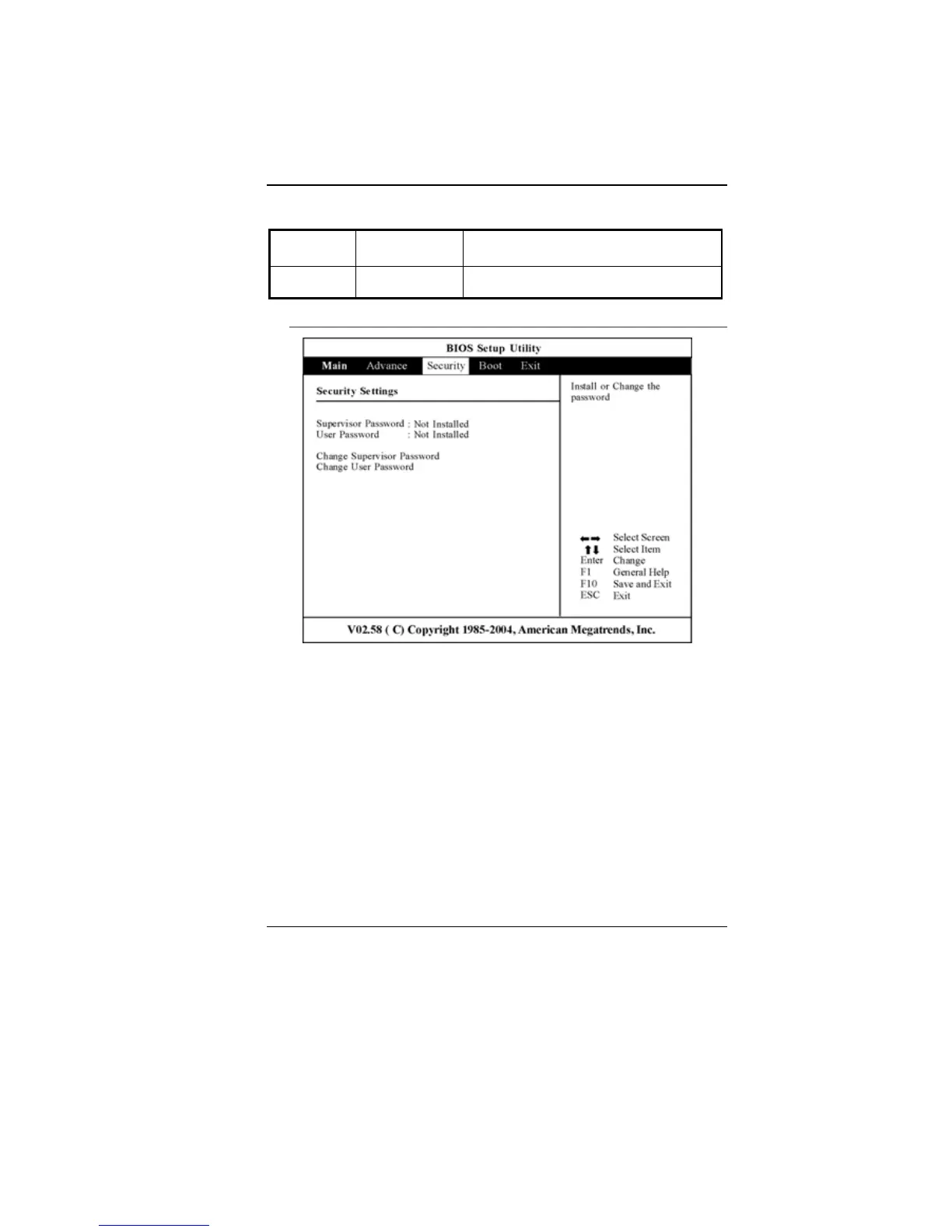
Security
• Supervisor Password: Install or Change the Password.
• User Password: Install or Change the Password.
Using Password Protection
Two Levels of Password Protection are available. The BIOS
provides both a Supervisor and a User password. If you try to
activate both passwords, the Supervisor password must be set first.
The passwords activate two different levels of protection:
1. System always asks for password every time it is powered on.
2. System asks for password only when you attempt to enter
BIOS utility.



 To Next Page