Need help?
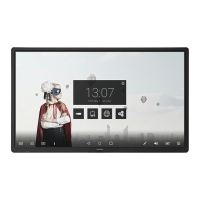
Do you have a question about the Ctouch CLAP-65UHDA5 and is the answer not in the manual?
Detailed safety guidelines and warnings for using the CTOUCH interactive display.
Identifies and describes the buttons, indicators, and connection ports on the control panel.
Explains the functions of each button on the remote control.
Solutions for common issues with remote control, video, audio, and general operation.
 General
| Screen Size | 65 inches |
|---|---|
| Resolution | 3840 x 2160 (4K UHD) |
| Touch Technology | Infrared |
| Aspect Ratio | 16:9 |
| Brightness | 350 cd/m² |
| Contrast Ratio | 4000:1 |
| Viewing Angle | 178° |
| Response Time | 8 ms |
| Connectivity | Wi-Fi, Bluetooth |
| Speakers | 2 x 15W |
| Processor | Quad-Core |
| RAM | 3 GB |
| Storage | 16 GB |
| VESA Mount | 400 x 400 mm |
| Touch Points | 20 |
| Operating System | Android |
| Ports | HDMI, USB |


 To Next Page