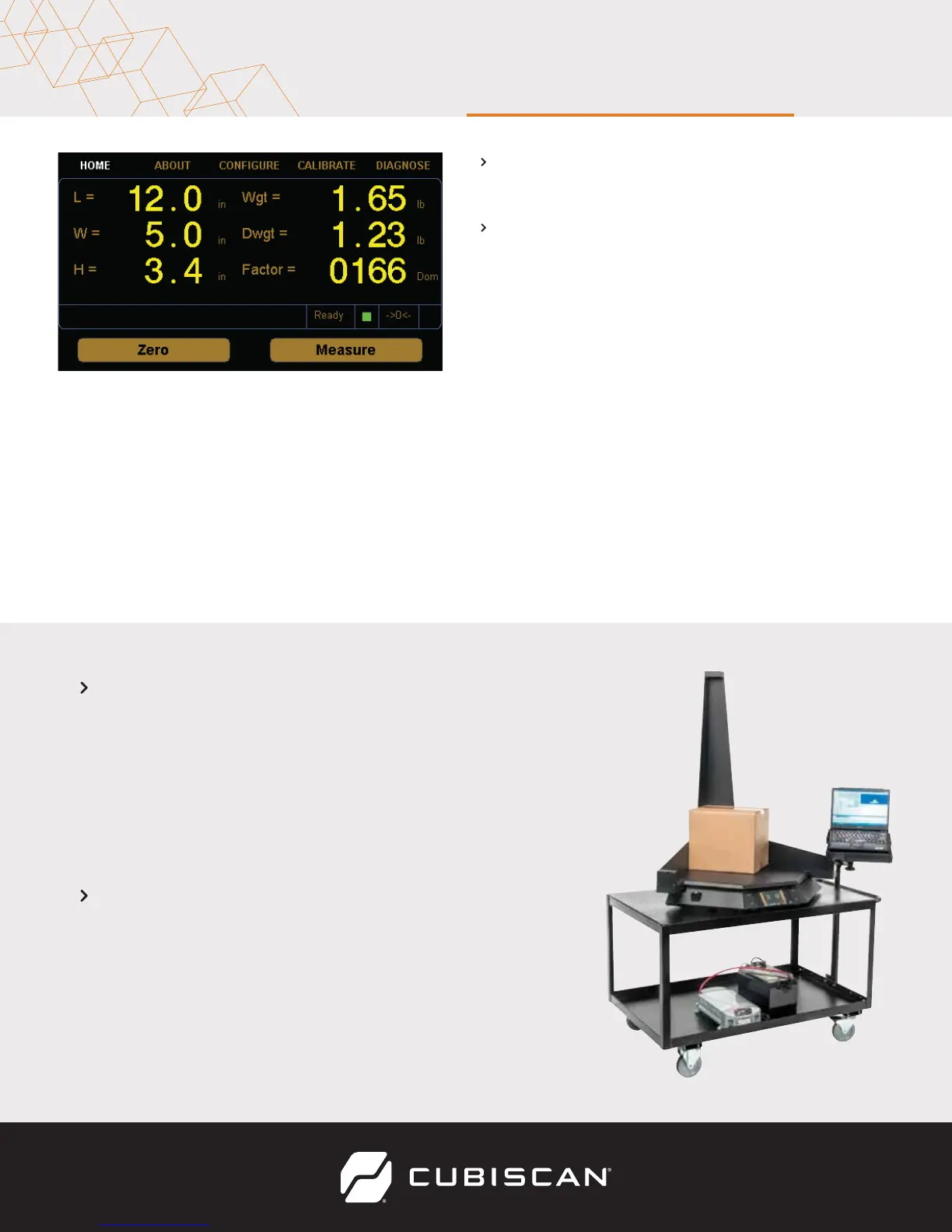
MEASURING OBJECTS
1 Turn the Cubiscan 100-T on.
2 Zero the scale if needed and
place the package or object to be
cubed and weighed on the
platform and slide it against the
back corner until it is in contact
with both side panels. The ->0<-
indicator light should go out.
Do not lean on or touch the Cubiscan platform or the package while a
package is being cubed and weighed. Any kind of contact with the
platform during the measurement process can alter the weight or
sensor reading.
3 Tap Measure. The length, width,
height, weight, and dim weight of
the package are displayed. The
factor used to determine the dim
weight is also displayed.
4 Remove the package from the
platform. Wait for the ->0<-
indicator to light before placing
the next package on the platform.
V 11/14/17
Copyright© 2017 by Quantronix, Inc.
All right reserved.



 To Previous Page