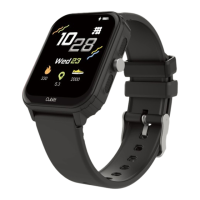
5.3.9 Style
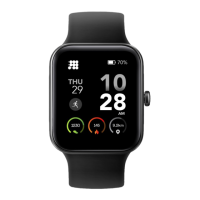
The UI include Layout style and Icon style, you can choose a different
style to show.
5.3.10 Timer
Swipe left on the main page and click the stop icon static icon to switch
to the stopwatch interface. Click to start timing. During the timing, you
can pause/start switching with a single touch. Swipe the stopwatch
function to the right of the stopwatch interface and return to the static
function page.
5.3.11 Setting
l Screen display: Including Change dial, Brightness, Screen
time, Turn wrist wake setting.
l Do not disturb: Set enter or exit do not disturb mode.
l Vibration: Set vibration intensity.
l Alarms: You can set alarms in the APP, the watch will show
the alarms information, when the alarm time is up, the watch
will pop up a reminder icon. You can also open or close it in the
watch.


 To Next Page