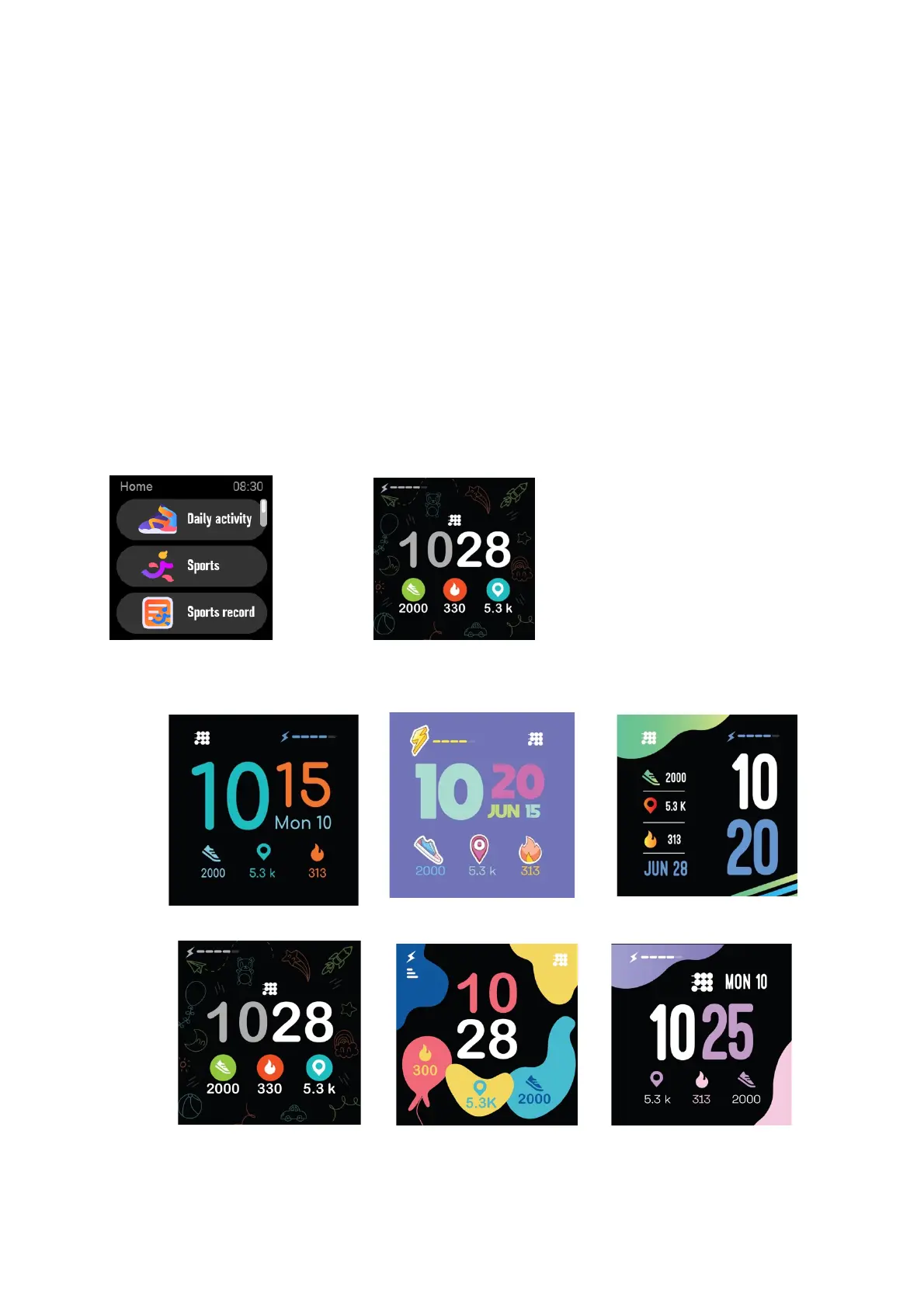
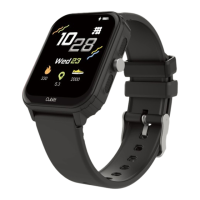
Sports record, Heart rate, Temperature, Games, Sleep, Weather, Style,
Timer, Setting. Swipe up and down to navigate the list, and tap a
function to select.
(3) Swipe down: Display Battery, Bluetooth, Date, Brightness, Games,
Alarms, Setting.
(4) Swipe up: Storage information, Heart rate monitoring, Daily activity.
(5) Swipe to the left: Display the static icon list, click to enter the
corresponding function, right stroke to return to the previous level.
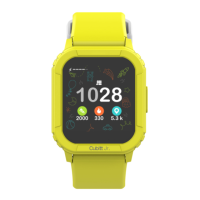
4.2 Clock Display


 To Next Page