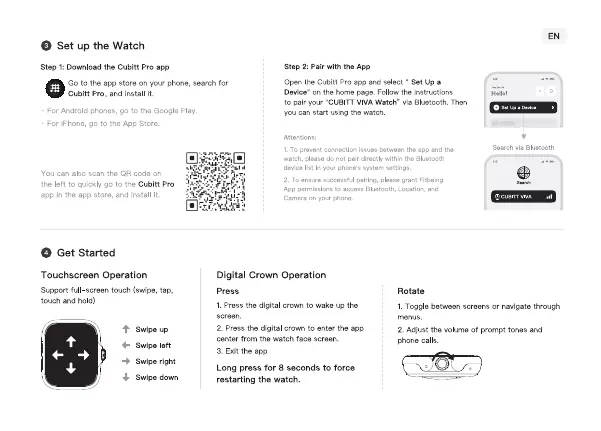
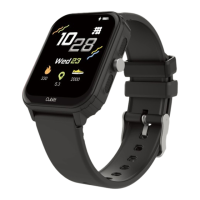
O Set up the Watch
Step l: Download the Cubitt Pro app
GO to app store YOLNphone,
Cubitt Pro, and install it.
can start LEing
For iPhoræ. go tc the App StorQ
can also scan the GA code on
thc Ion to quickly go tc thc Cubitt Pro
agp in the app and in t II
O Get Started
Touchscreen Operation
Supgo•rtfull—screentouch (swipe.
search for
Step 2: Pair with App
Open the Cubitt Pro aop Select " Set up a
Folm the
to oair "cuglTT watch- via Bluetooth. Then
pe'mi
via
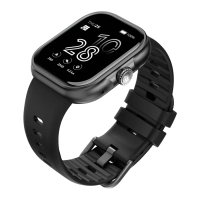
Digital Crown Operation
touch ard hold)
Press
1_ the digital
to up the
RO tate
I Toggle between screens or navigate through
menus.
2. Adjust the volume ot prcgnpt torus and
Calls.
Swipe up
Swipe left
Swipe right
Swipe d own
2. Press the digital crmvn to enter the app
Center the watch face screen.
3_ Exit the app
Long press for 8 seconds to force
restarting the watch.


 To Next Page