Cubix Corporation 2800 Lockheed Way Carson City, NV 89706-0719 Page 7
Sales 800.829.0550 http://www.cubix.com sales@cubix.com Xpander-desktop-elite-g3 20190201
operation. The LCD will continue to display the fault at the applicable sub-menu until you clear
the fault.
Start Menu
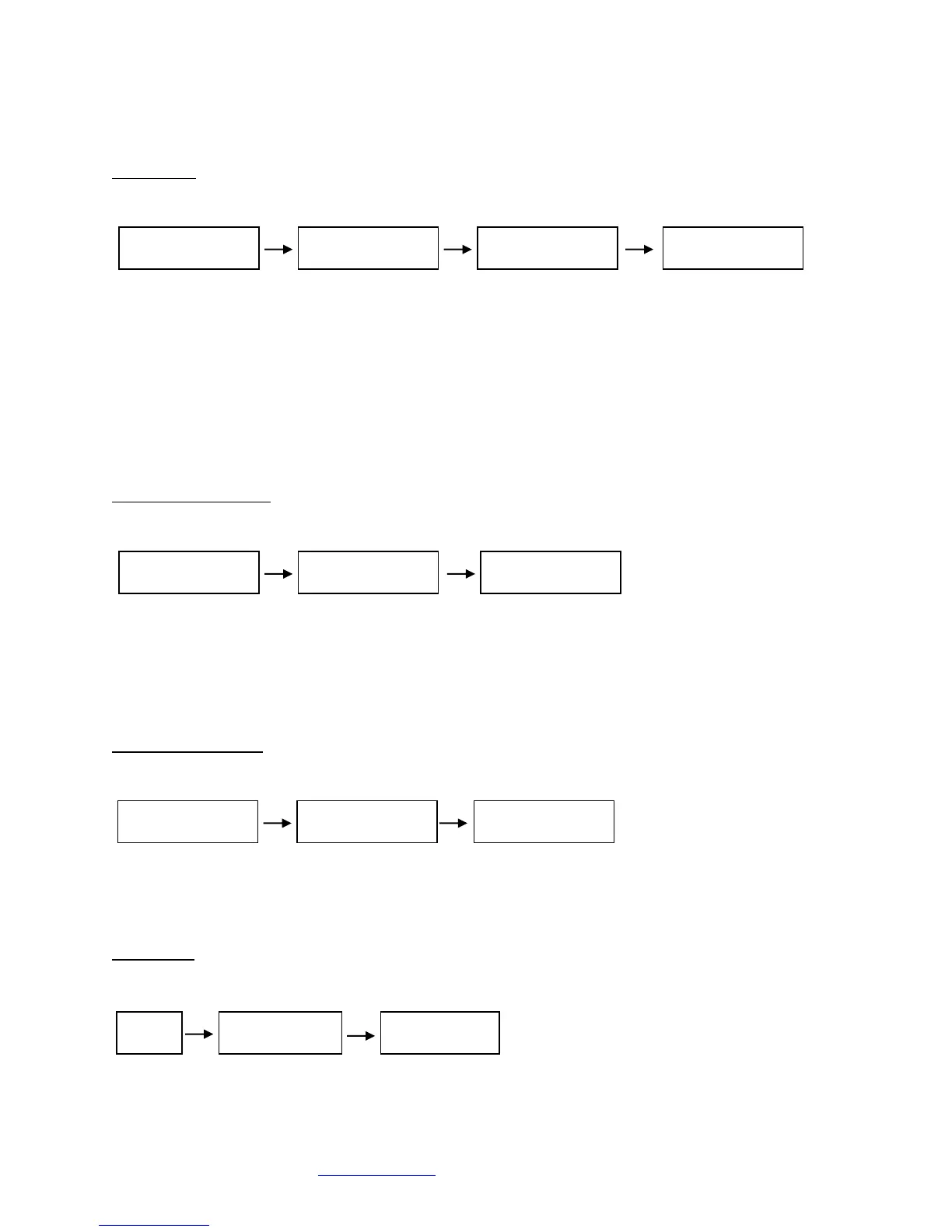
Menu Sub-menu Sub-menu Sub-menu
Main menu: Cubix Corporation
Sub-menu: PCB Assembly
• Board Number
• EEPROM Revision
• Board Revision
Sub-menu: MCU (Micro-Controller Unit) Firmware
• Release Number
• Release Date
Sub-menu: Cubix Serial Number
Power Supply Status
Menu Sub-menu Sub-menu
Menu: Power Supply Status
Sub-Menu: Power Supply Status:
• PWR Standby = Main power is off; system is in standby
• PWR ON-Good = Main power is on; +3.3V, +5V, +12, -12V are within spec.
• PWR ON-FAULT = Main power is on; +3.3V, +5V, +12V, or -12V is out of spec.
Temperature Status
Menu Sub-menu
Menu: Temperature Status
Sub-Menu: Display the temperature of the 3 temperature sensors in degrees Celsius.
Note: If a temperature sensor fails, FLT (fault) appears under the failed sensor.
Fan Status
Menu Sub-menu Sub-menu
Menu: Fan Status
Sub-Menu: Indicates fan status for fan 1



 To Next Page
 Loading...