Cubix Corporation 2800 Lockheed Way Carson City, NV 89706-0719 Page 8
Sales 800.829.0550 http://www.cubix.com sales@cubix.com Xpander-desktop-elite-g3 20190201
Note: Fan speed is controlled by adjusting fan voltage based on sensed system temperature. Fan voltage
adjusts from 6V min (25deg C or lower) at 50% to 12V max (50deg C or higher) at 100%. Fan voltage is
the same for all fans.
Status: PWR OFF is 0V at 00%; system is in standby.
Status: Running aaV at pp%; fan is good; aa = fan voltage and pp = fan power percent (%).
Status: STOPPED is 12V at 100%; fan fault: fan voltage is set to full on.
Status: NO FAN aaV at pp%; Xpander can be configured with 1, 2, 3 or 4 fans. No fan means fan
is not installed.
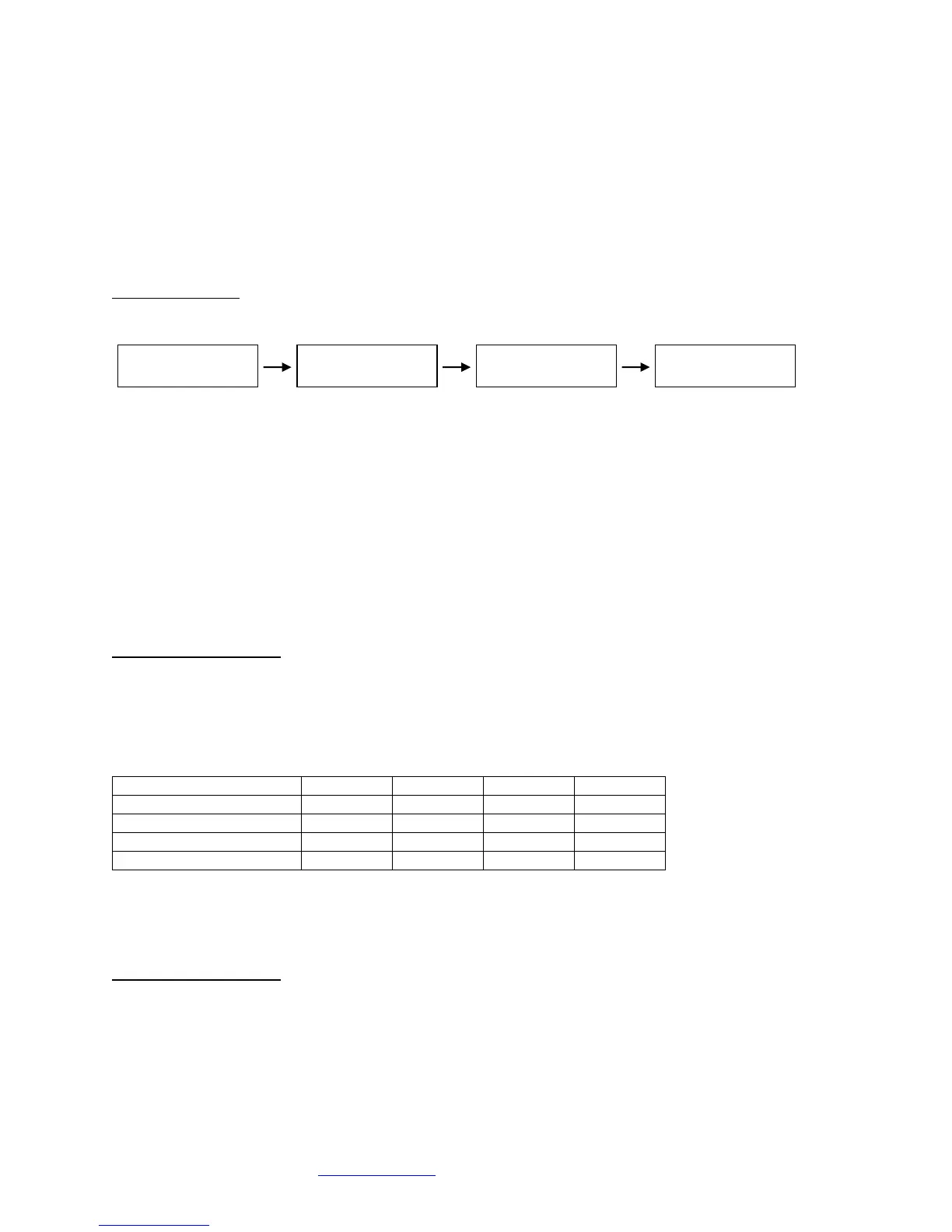
PCIe Link Status
Menu Sub-menu Sub-menu Sub-menu
Menu: PCIe Link Status
Sub-Menu: Indicates x16 PCIe cable installation status
• Connected x16 cable is properly connected to the HIC
• NOT-Connected x16 cable is not properly connected to the HIC
Sub-Menu: x16 PCIe cable link speed and link width. Speed and width depend on the host capability.
• Speed: 2.5Gb/s, 5.0Gb/s or 8.0Gb/s
• Width: x1, x2, x4, x8, x16 and “NO Link” when the host did not successfully link or Xpander is
in standby power.
Sub-Menu: Link speed and link width for slots 1-4.
• Speed: 2.5Gb/s, 5.0Gb/s or 8.0Gb/s
• Slot 1 - 4 width: x1, x2, x4, x8, and “NO Link” when the slot is empty, unsuccessful link, or
Xpander is in standby power.
LCD Backlight Control
Press right button to toggle the LCD backlight On / Off.
Fan Speed Control
Shunts JP7 and JP8 are used to change the fan profile to reduce fan noise. For both JP7 and
JP8, pin 1 is farthest from the board edge and pin 3 is closest to the board edge.
* Tmax - Fan Voltage ~12V, Tmin - Fan Voltage ~6V
**GPU Mode: Tmax: GPU temp = 80C, if no GPU is found Tmax = 40C (on-board temp sensors)
Tmin: GPU temp = 45C, if no GPU is found Tmin = 5C (on-board temp sensors)
GPUs supported: Quadro K6000, M6000 and P6000
Fan Profile Guidelines. GPU Mode supports 4 x double-wide GPUs like NVIDIA Quadro or GTX
Series. High-Performance Mode supports 2 – 3 double-wide GPUs. Performance Mode
supports 2 x double-wide GPUs. Quiet Mode supports 1 x double-wide GPU or 4 x single-wide
GPUs. See Technical Specifications on page 2.



 To Next Page
 Loading...