How to Operate
1、Slide the dial interface from top to bottom to enter
the shortcut interface;
2、Slide the dial interface from bottom to top to enter
the information list interface;
3、Slide the dial interface from left to right to enter
the menu style interface;
4、Slide the dial interface from right to left to enter
interfaces such as step counting, heart rate and sleep.
Sports Data
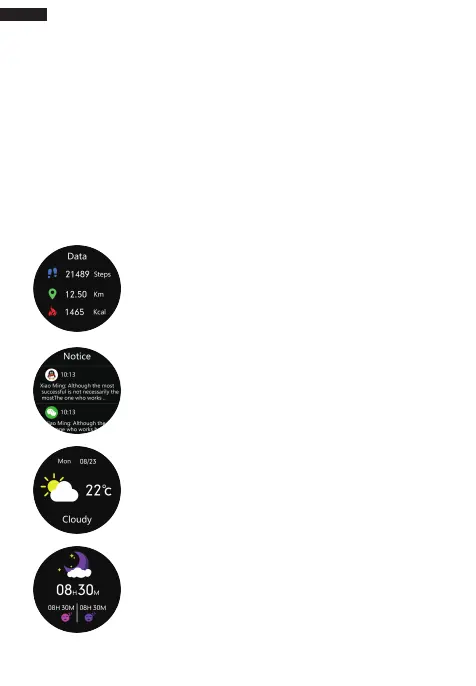
Click the data icon to enter sports data interface and
check the corresponding date for the day: steps,
distance and calorie;
Notification
Push Notification:all notifications ofyour phone will be
automatically synchronized to the bracelet after a
successful connection between the bracelet and APP
(the bracelet can save unread notifications up to 15);
Weather
Push Weather: all whether information will be
automatically synchronized to APP after a successful
connection between the bracelet and APP;
Sleep Monitoring
The interface shows your sleep conditions for the day.
Data is updated per day and meanwhile synchronized
to APP;
English
03


 To Next Page