EasyManua.ls Logo

Cuckoo CAC-J1510FW - User Manual

Cuckoo CAC-J1510FW
20 pages
Print Icon
To Next Page IconTo Next Page
Loading...
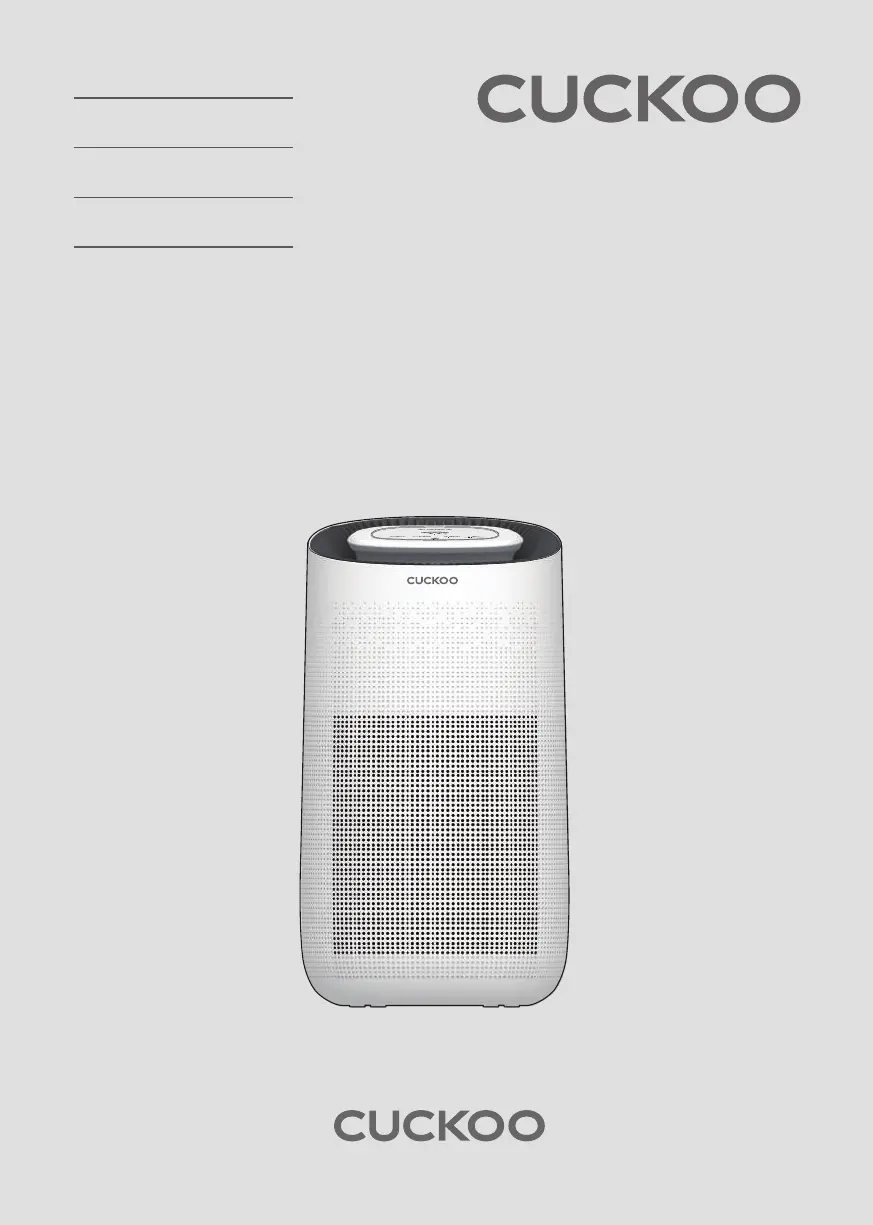
AIR PURIFIER
USER MANUAL
CAC-J1510FW

Questions and Answers

  • C
    Christine LoweJul 28, 2025
    Why is my Cuckoo Air Cleaner not purifying the air effectively?
    • N
      Nicholas MaxwellJul 29, 2025
      If your Cuckoo Air Cleaner isn't effectively purifying the air, try these steps: * Ensure the room is well-ventilated. * Use the air purifier in a space within its recommended coverage area. * Check and wipe the pre-filter for dust. * Remove any obstructions from the air intake and vent. * Confirm that the plastic packaging has been removed from the filter. * Replace the filter if it appears dirty or worn out. * Clean the air vent and intake.
  • C
    Calvin BradleyAug 3, 2025
    What to do if my Cuckoo CAC-J1510FW is not blowing air?
    • K
      Kevin FinleyAug 3, 2025
      If your Cuckoo Air Cleaner isn't blowing out air, check for the following: * Make sure there are no materials blocking the air intake or vent; remove any obstructions and ensure the plastic packaging has been removed from the filter. * Ensure the air purifier is placed in an open area, free from obstructions that could prevent air from moving freely. * If the fan still doesn't work, unplug the unit and contact Cuckoo customer service.
  • B
    brookssusanAug 9, 2025
    Why does my Cuckoo CAC-J1510FW have a bad smell?
    • J
      Jonathan HuberAug 9, 2025
      If your Cuckoo Air Cleaner is emitting an unpleasant odor: * If the air purifier is in an area with a lot of smoke and odor, ventilate the room before using the air purifier, as excessive smoke and odor can decrease performance over time. * Check the filter replacement indicator and clean or replace the filter if necessary. * If you smell plastic, this is normal during the first few uses and should fade over time; if it persists, contact customer service. * If there is a burning smell, turn off the air purifier, unplug it, and contact customer service.
  • M
    Matthew TerrellAug 15, 2025
    How to fix loud noises coming from my Cuckoo CAC-J1510FW?
    • R
      Richard SandovalAug 15, 2025
      If your Cuckoo Air Cleaner is making loud noises: * Check the fan and air intake/vent for any obstructions and remove them. * Ensure the air purifier is placed on a level, flat surface. * Try setting the air purifier to a lower fan speed to reduce the noise.
  • C
    Cassandra LivingstonAug 21, 2025
    Why is the filter light still on after replacing the filter in my Cuckoo Air Cleaner?
    • J
      Jason Rivas DDSAug 22, 2025
      If the filter replacement alert on your Cuckoo Air Cleaner continues to blink after you've changed the filter, press and hold the filter button for 7 seconds to reset the alert.

Summary

How to Replace Filter

Filter Replacement Procedures

Step-by-step instructions for replacing the air purifier filter.

Control Panel and Button Functions

Caution and Safety Instructions

General Safety Guidelines

Essential safety guidelines to prevent accidents and ensure proper product use.

Intended Use and Precautions

Defines the device's purpose and lists critical safety measures for operation.

Specific Operational Warnings

Warnings regarding electric shock, flammable substances, and proper maintenance disconnection.

Troubleshooting

Product Not Working or No Airflow

Solutions for the product not turning on or not producing airflow.

Filter Alert Reset

Instructions to reset the filter replacement alert after changing the filter.

Product Specifications and Support

Cuckoo CAC-J1510FW Specifications

General IconGeneral
Product TypeAir Cleaner
ModelCAC-J1510FW
Filter TypeHEPA Filter
Fan Speed3 Levels
FeaturesAir Quality Indicator, Timer, Child Lock

Related product manuals