Silver & Blue Series Troubleshooter
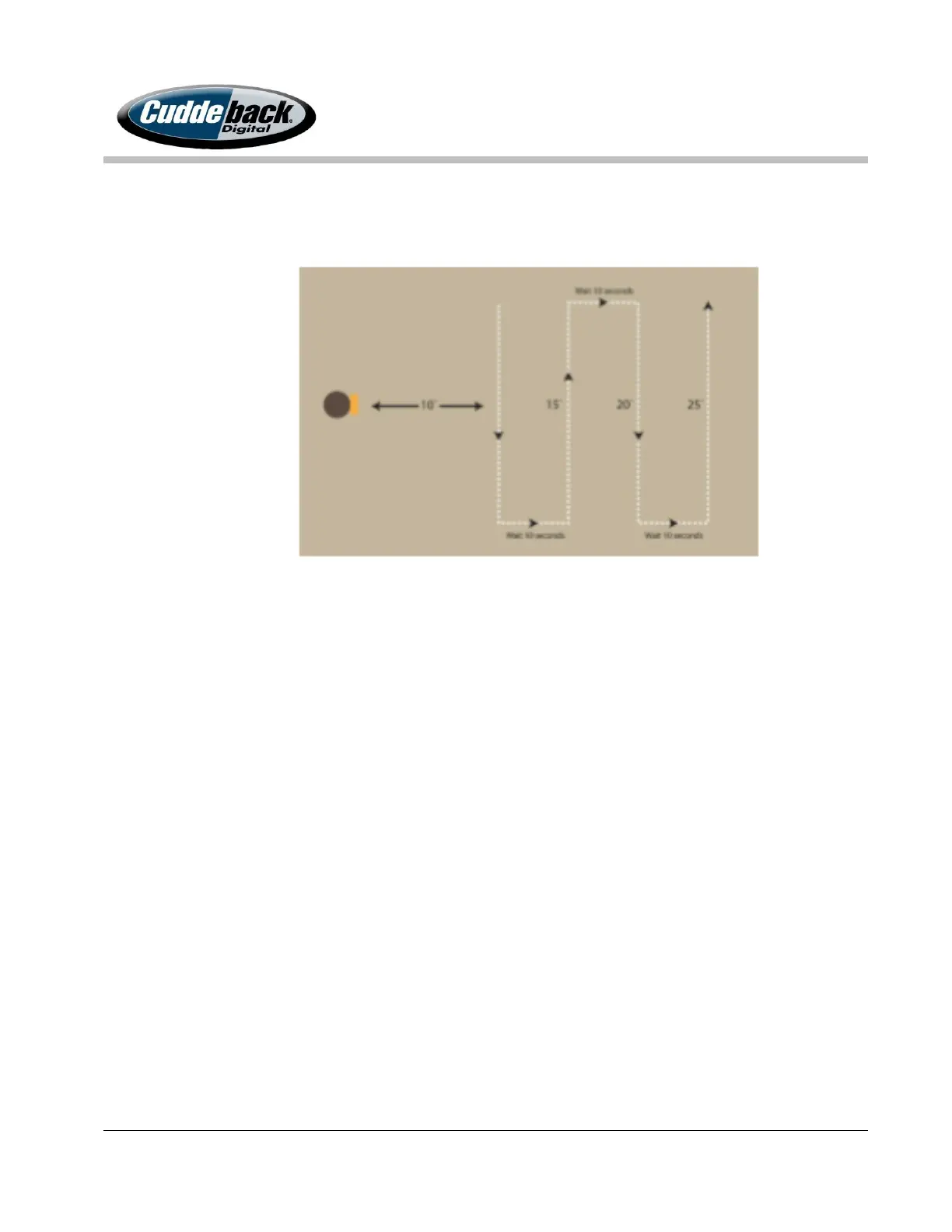
the field of view will not activate the camera to sense movement.) The diagram below
shows the best walk pattern to test the detection zone.
Correct Operation: The RED LED illuminates during this test.
Possible Problem: The RED LED does not illuminate during this test. If this test
fails contact customer support at (920) 347-3810.
Test 5. False Activity Sensor Test
This test will verify the camera’s motion/heat sensor is NOT falsely detecting motion. The
motion/heat sensor needs to be covered completely when running this test.
1. Press the MODE button to get to the TEST section.
2. Cover the motion/heat sensor with a SD card, quarter, or other item.
3. Watch the RED LED for 1 or more minutes. If the LED remains OFF, the test has
passed.
Correct Operation: The RED LED does NOT illuminate during this test.
Possible Problem: If the LED illuminates during this test, repeat this test with new
batteries, as weak batteries may falsely trigger motion activity. If this test fails
with new batteries contact customer support at (920) 347-3810.



 To Previous Page