9
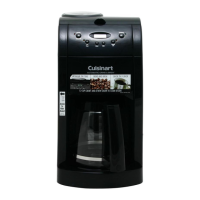
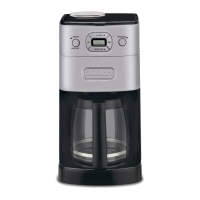
Control Panel
(Detailed programming instructions
are on pages 8 and 9)
1. On/Off/Set Auto-Shutoff Switch
with LED Indicator
a. Audible Tone (not shown): The
Automatic Grind & Brew
™
coffeemaker is
equipped with an audible tone which will
sound
5 times when the coffee has completed
brewing (coffee may continue to stream
from the filter for several seconds there-
after).
b. Auto-Shutoff Tone (not shown):
Unit will sound twice at end of pro-
grammed auto-shutoff period (when unit
has shut
itself off completely).
2. Low Cups Setting with LED Indicator:
Set to “1-4 cup” to improve extraction
and flavor when making fewer than
5 cups of coffee.
3. Hours Set/Minutes Set
Press and hold either hour or minute but-
ton for approximately 2 seconds to enter
Time Set Mode.
5. Clock Display
Displays time of day, program setting
when program button is depressed,
or Auto-Shutoff time when On/Off button
is depressed.
6. Grind Off with LED Indicator
Use to turn off the grinder when using
pre-ground coffee.
7. Program Setting with LED Indicator
Press to display program setting or to set
for programmed brewing.



 To Next Page
 Loading...