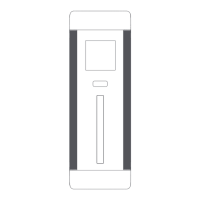
Functions of Buttons
Remaining time while charging and discharging: When
charging and discharging are performed simultaneous-
ly, the displayed time is the remaining time of charging.
When the discharge power is greater than the charging
power, the displayed time is "99:99".
Battery temperature: Real time display of the internal
battery temperature during device operation.
*Standby state: The power bank has power,and it is neither
being charged nor being discharged.
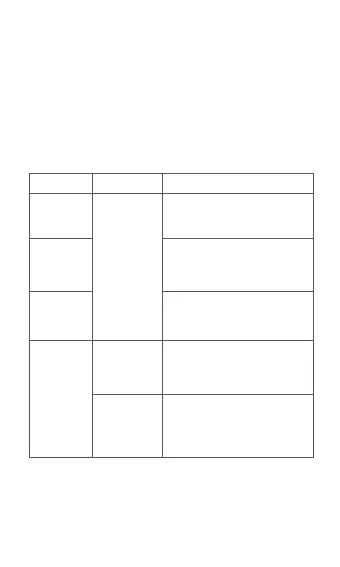
Screen status Click button Functions
Single click
button
Clicking the button will light up the
screen and display the current
working status.
In the bright screen state, click
the button to switch from the first
level interface to the second level
interface
secondary interface by clicking
the button.
Any charged
state
Double click
button
Double click the button to enter
the low current discharge mode,
and double click again to exit the
mode under bright screen state.
Press and hold
the button for 5
seconds
After the button is being pressed
and held for 5 seconds, the
machine is turned off.



 To Next Page