Rev. 1/15 AC100/200 series 8
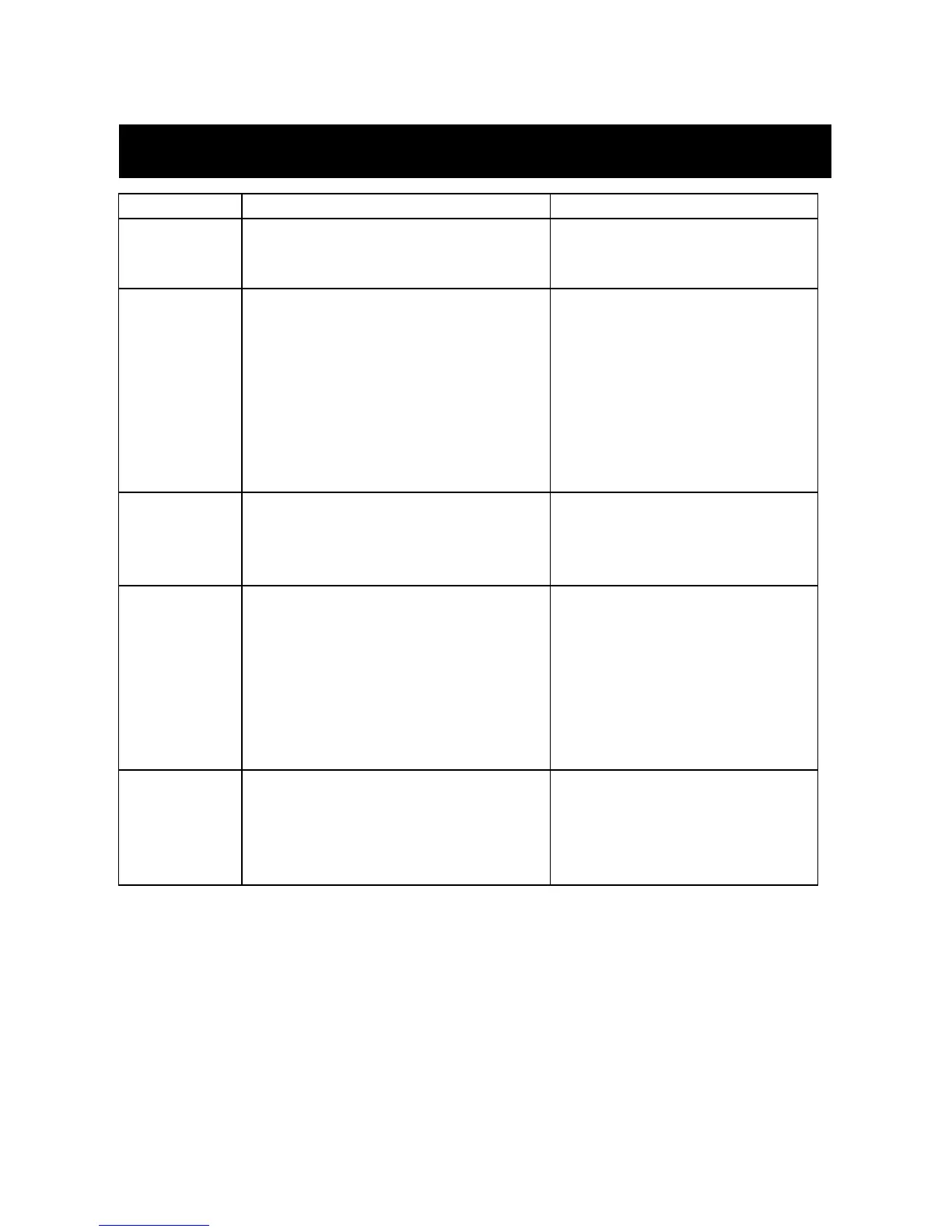
1. Power cord is not connected
2. Power Button is in the “OFF” position
2. Depress & release the power
button one time
1. Cooling button is in off position
1. Depress & release the cooling
power button one time
2. Fill tank with clean water
3. Cooling Dial is in the ”CLOSED” position
3. Open Cooling Dial (turn to the left)
4. Water filter could be clogged
5. Tank fill cap is not tight
Water
streaming from
nozzle/s during
operation
1. Check all filter hose connections
for air leaks
2. Air filter needs replacement
3. Foreign object in nozzle
3. Order and replace nozzle
Water
streaming from
nozzle/s during
shutdown
1. Water tank is overfilled
1. Open tank cap to release
pressure. Drain tank to bottom of
fill basket. Replace Cap. During
next start up the cooling function
may stream water for a few
seconds until the lines have been
cleared. Then normal operation
will return.
Mist is not
balanced on
both nozzles
(AC200 series
only)
1. Adjust the Cooling Dial
2. Check water level and fill if needed
3. Check assembly to ensure hoses
are routed installed correctly.



 To Next Page