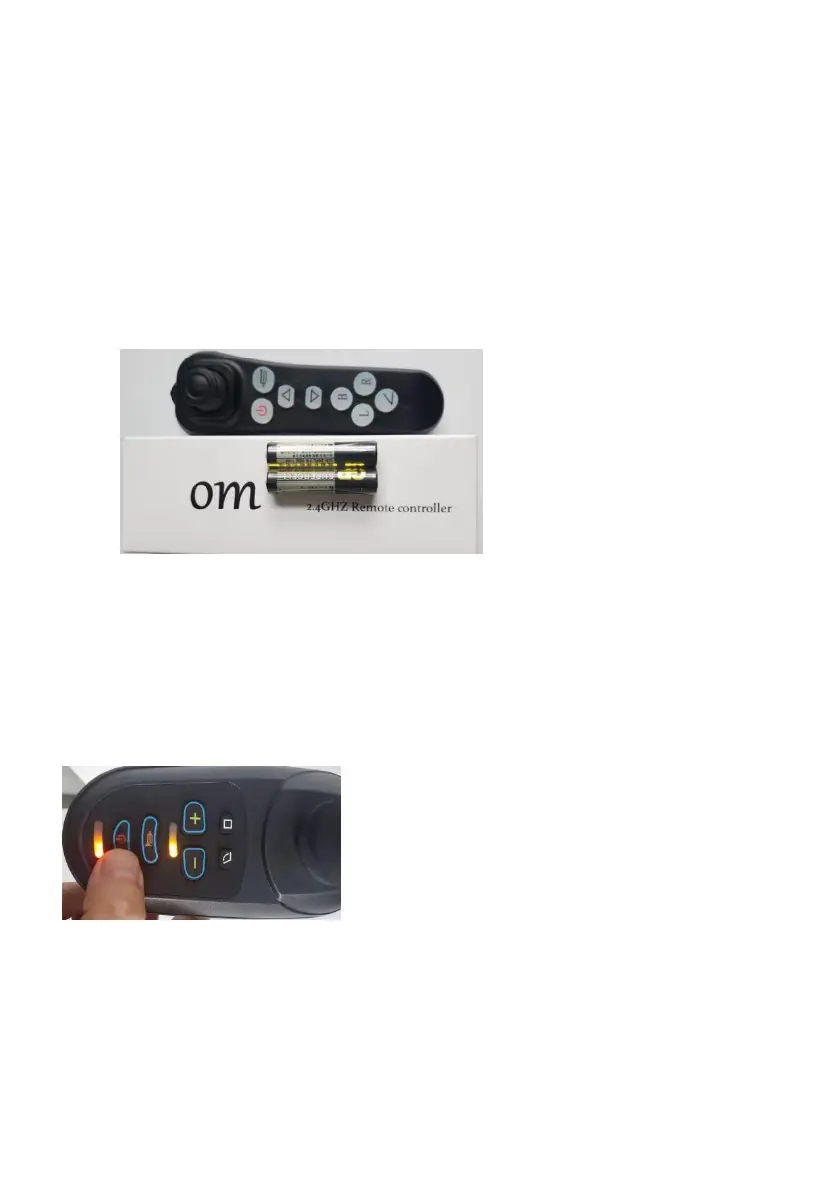
Remote controller:
1.Take out the wheelchair and spare parts from the packing box
2.Install the controller to the right or left armrest of the drriver.
3.take out the remote controller from the box
4.1)press the power button of the power wheelchair and turn it on.
2)press the power of the remote controller for 5 seconds.(make sure
that two AAA batteries have been installed.)



 To Next Page