EasyManua.ls Logo

Cumberland AP Cumberland EDGE - User Manual

Default Icon
36 pages
Print Icon
To Next Page IconTo Next Page
Loading...
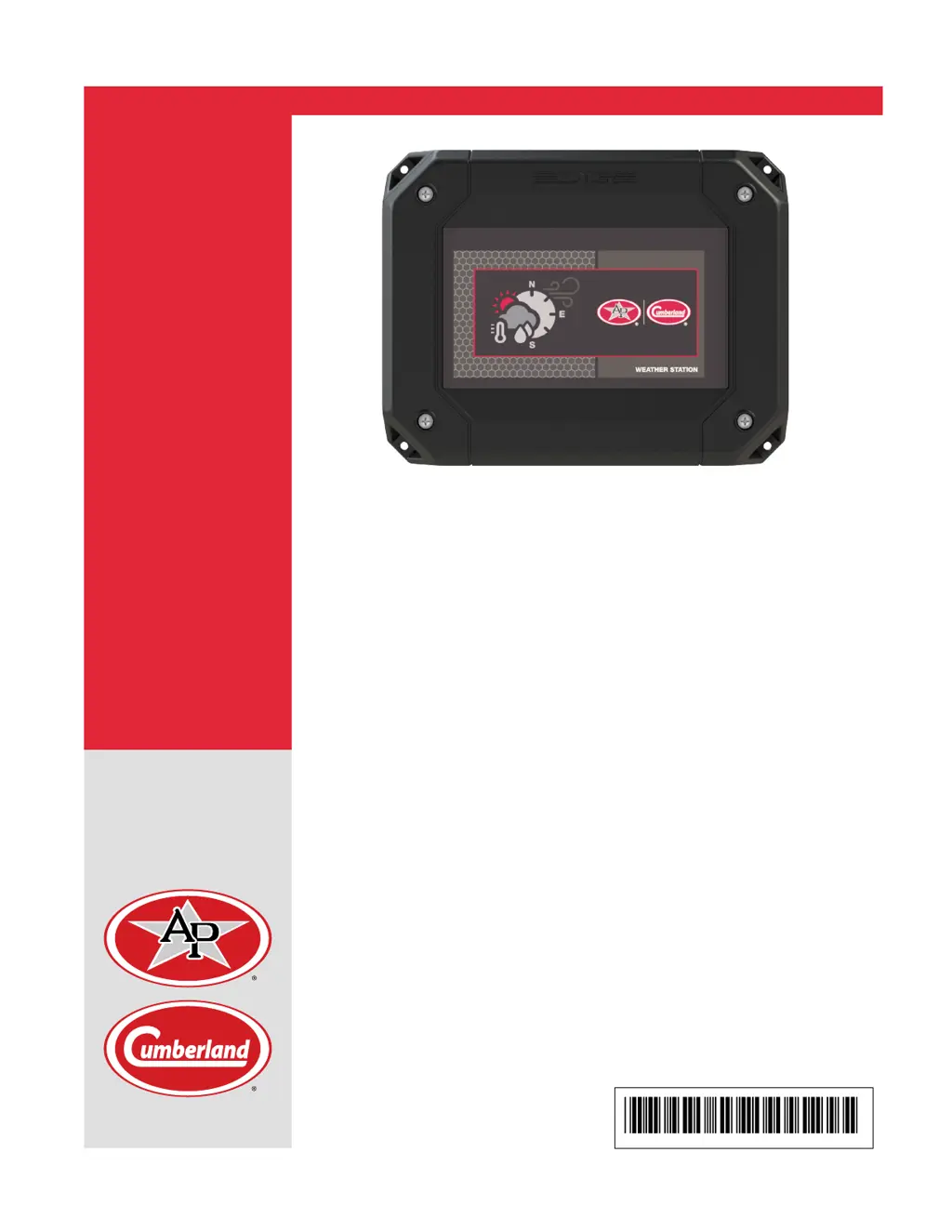
EDGE Weather Station
Installation Manual
PNEG-2248
Version 02
Date: 05-12-19
PNEG-2248

Questions and Answers

  • E
    Ethan CummingsAug 9, 2025
    What to do if my Cumberland EDGE Weather Station does not communicate?
    • J
      Jennifer WestAug 9, 2025
      First, ensure the controller is powered up. Then, check for activity on the bus communication by observing the LEDs: AUTOMATION-RX, AUTOMATION-TX, SAFETY-RX, SAFETY-TX. Verify the network link is correctly installed, with Terminal A from the EDGE Weather Station connected to the Controller's Terminal A, and Terminal B connected to Terminal B. Also, confirm the network communication is in a daisy chain configuration. Ensure your end-of-line (EOL) settings are correct and that the GND communication is connected. Check if the network link is severed or protections activated, and verify there isn't a short circuit on the network link between terminals A and B. Finally, make sure the network link length is below 4000 feet (1200m) with the recommended gauge.
  • D
    Denise GilesAug 14, 2025
    Why is my Cumberland EDGE 110WX Weather Station showing no readings or inaccurate readings?
    • R
      robertgrantAug 14, 2025
      First, verify that the Weather Station sensor is receiving power. Next, ensure all connections are tight and the cable is free of kinks or damage. Check that the wiring is correct. Make sure the wind channel isn't obstructed by spider webs, insects, dirt, or other debris, being careful not to puncture the waterproof film or scratch the reflector plate. Also, confirm the temperature and humidity sensors are clean and that there is no ice on the Weather Station sensor.
  • J
    jeremiahglassAug 19, 2025
    What causes incorrect wind direction or speed on my Cumberland EDGE 110WX Weather Station?
    • V
      Vincent BarrettAug 20, 2025
      Ensure that the flow of wind into the EDGE 110WX Weather Station is not blocked by surrounding structures. Make sure that the flow of wind through the EDGE 110WX Weather Station is unimpeded and that the unit is free of debris. Verify that the rain sensor is pointed northwards.
  • J
    johnsdavidAug 25, 2025
    What should I do if my Cumberland EDGE Weather Station does not power up?
    • T
      Tanya HillAug 25, 2025
      First, check if the LED "3.3V", "5V", or “15V” is activated on PCB-453. Next, verify the power link is correctly installed, ensuring 24V is connected to 24V and GND to GND from the Automation or safety network. Also, check if the network link has been severed or if the protections have been activated.
  • D
    David SotoAug 29, 2025
    How to troubleshoot issues with input sensors on my Cumberland AP Cumberland EDGE?
    • F
      Francisco VaughnAug 29, 2025
      Verify that the sensor wiring conforms to the wiring diagrams and that the sensor is connected to the correct terminal. Also, verify if the network link has been severed or the protections have been activated. Ensure that the sensor configuration is correctly set on the Main Controller.
  • D
    dean18Sep 3, 2025
    Why am I getting no data output from my Cumberland EDGE Weather Station even though it communicates with EDGE devices?
    • D
      David DaviesSep 3, 2025
      Check the connections to the NMEA 2000® connector and tighten if necessary. Ensure that power is supplied to the connected 2000® cable.

Cumberland AP Cumberland EDGE Specifications

General IconGeneral
BrandCumberland
ModelAP Cumberland EDGE
CategoryWeather Station
ConnectivityCellular
Weather Parameters MeasuredTemperature, Humidity, Wind Speed, Wind Direction, Rainfall
Data TransmissionCellular
Operating Temperature Range-40°C to +60°C
ManufacturerCumberland