01)
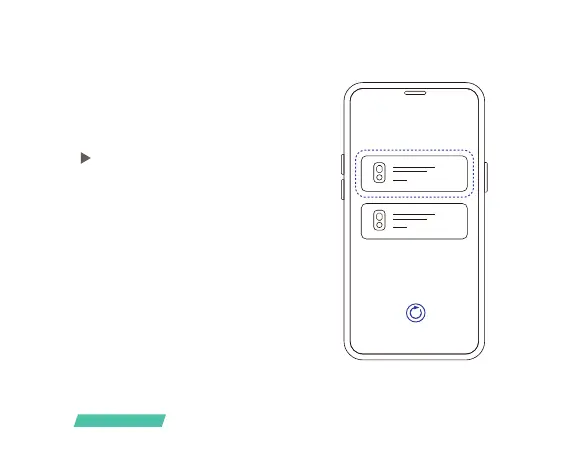
Click the "Add Now" button in the app, press
and hold the camera switch button for 3
seconds to turn on the camera, and the app
will automatically search for devices that are
on and not bound. Select the device you want
to bind in the search results for the next step.
01)
/05
Bind the camera
Bind the camera



 To Next Page