After a while, the camera will play a sound
indicating that the connection is successful. At
this point, please set a name for the camera
on the app and select the location where
you want to place the camera. Click Finish to
complete the pairing.
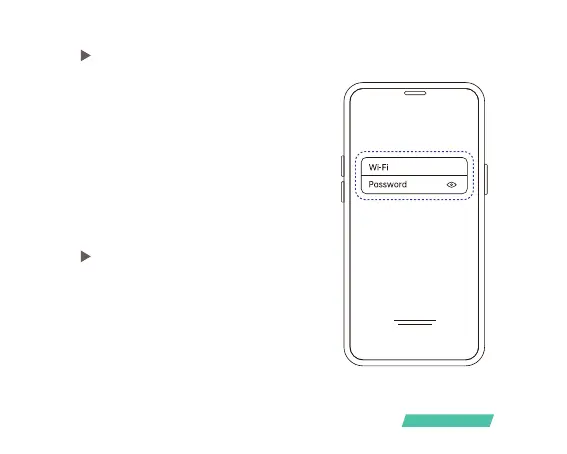
Enter the name and password of the Wi-Fi
network you want the camera to connect
to. To ensure long-distance connection, the
camera only supports 2.4GHz WiFi network
with stronger wall penetration capability and
does not support Wi-Fi with enterprise-level
authentication. Please make sure that the Wi-
Fi meets the requirements, click Next after
completion, and the app can try to connect
the camera to the Wi-Fi.
02)
03)
02)
Bind the camera
06/



 To Next Page