10 11
• Wipe o the remaining Radio Frequency Gel from the
treated area.
• Apply a high-factor sunscreen (at least 30 SPF)
and protect from sunlight for two weeks following
treatment.
• Avoid any usage of hot water on your face and disconnue
usage of abrasive or harsh products for two days.
• Makeup or moisturisers may be applied immediately as
required.
• Ensure the device is clean and dry before storage.
For best results
For long-lasng results, use the device once a week on
each target area for a period of 8 weeks.
To maintain opmal long- term results, treatments may
be performed as needed every 4-8 weeks.
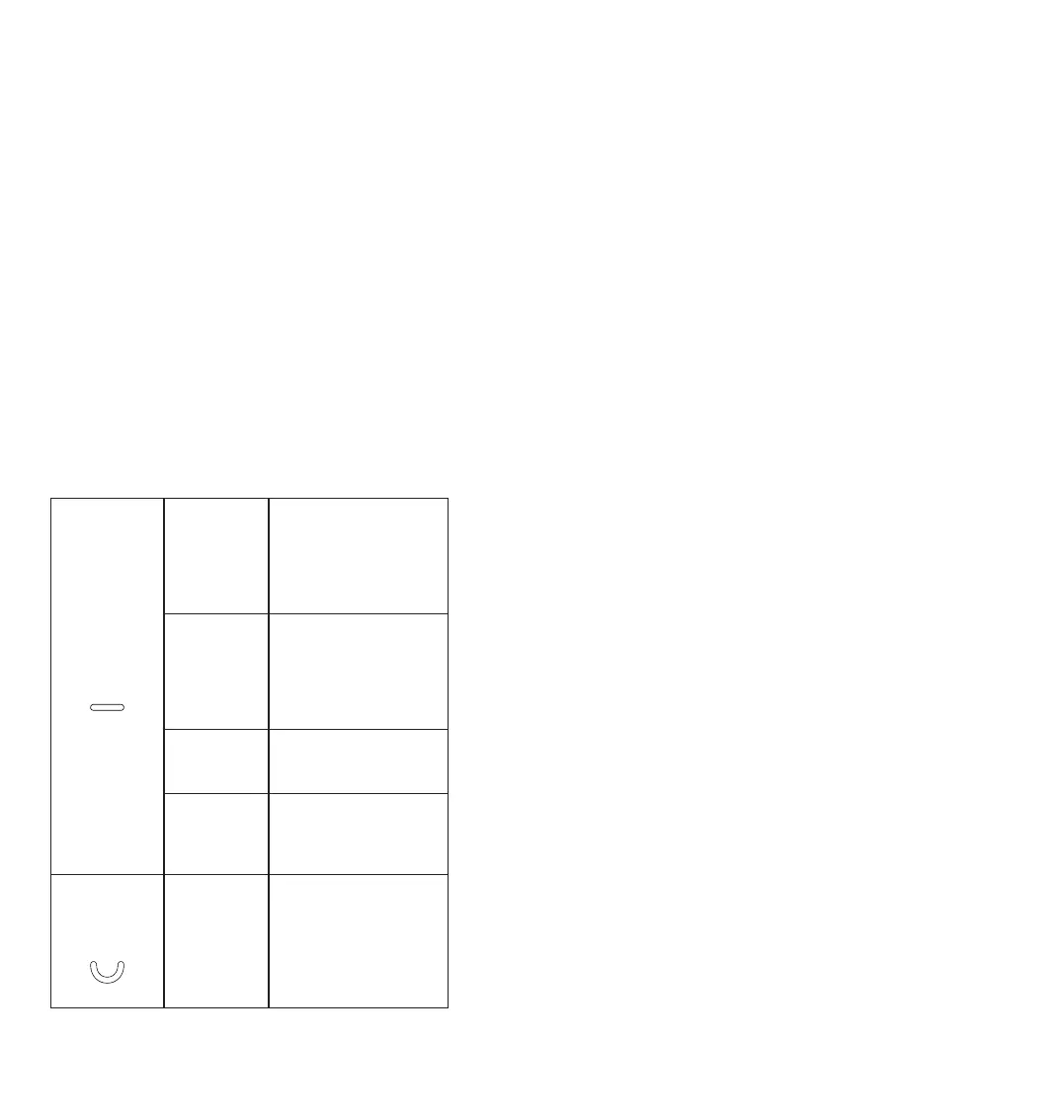
Treatment
indicator
Blinking
green light
The device is ready. RF
energy is acvated, skin
contact is detected,
but the eecve skin
temperature is not yet
reached.
Solid green
light
The device is treang
the skin. RF is acvated,
skin contact is detected,
the desired temperature
is achieved and the
treatment is progress.
Solid orange
light (for 5
seconds)
5 minutes of treatment are
completed. Move on to a
new area if desired.
Solid red
light
The device is in error
mode. A malfuncon has
occurred and prevents the
delivery of the RF.
RF energy
level
indicator
1-3 energy
levels lights
When the green light is
on, it indicates that the RF
energy is acve. Touch the
RF energy level selecon
buon repeatedly unl
you reach the desired
level: 1, 2, 3 or o.
Cleaning & Storage
Always ensure the device is turned o and unplugged
before cleaning. It is recommended to wipe o any
remaining Radio Frequency Gel with a so damp cloth.
Do not use alcohol or alcohol wipes.
When using the device according to the Instrucons for
Use, adverse eects are rare. However, every aesthec
procedure, including the usage of home-use devices,
may cause some degree of adverse eects. Mild eects
include skin irritaon, redness, swelling and sensivity.
Mild adverse eects should be spontaneously relieved
within a few hours.
Moderate and severe eects are rare but can include
burns, pigmentaon changes, bruising, blistering and
infecon. If adverse eects appear, stop using the device
and consult with your physician if necessary.
If you experience any problems with your device, please
refer to the informaon below to aempt to resolve it:
If the device does not turn on:
• Make sure that the power cord is plugged properly into
the electrical outlet and into the device power socket.
• Make sure the power outlet has power.
If you cannot feel heat:
• Check that the device is in full contact with the skin
(indicated by the green light).
• Check that you applied enough Radio Frequency Gel.
• Remember that the device reacts to your skin and may
temporarily reduce heat for safety reasons.
• The device will switch to standby mode when le
unaended for 45 seconds.
• Switch o the device, unplug from the wall. Wait for
the device to cool and then switch on again.
• If the device will not switch on again, it may be faulty.
Please contact CurrentBody customer services.


 To Next Page
 Loading...