16
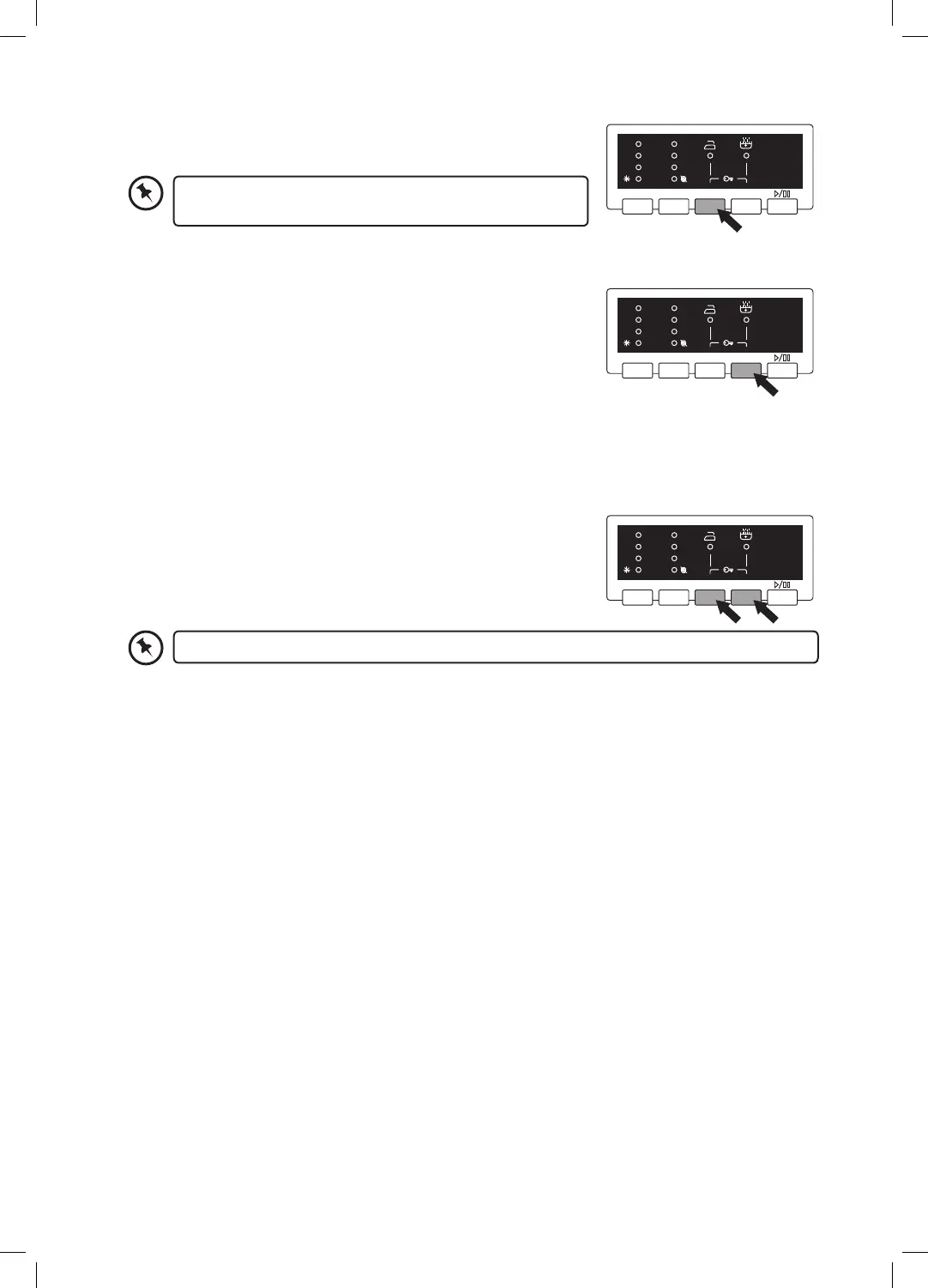
How to Set the Child Lock
The Child Lock prevents children from stopping programmes accidentally. It only locks the control buttons
not the Programme Dial.
Switch the washing machine on.
1. When the washing machine is operating, press and hold Easy
Ironing and Extra Rinse button for 3 seconds. The Easy Iron
and Extra Rinse LEDs will blink 3 times.
2. Press the buttons in the same way to unlock.
Finishing programme
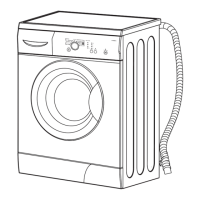
• Your machine will stop by itself as soon as the programme you have selected finishes.
• The door lock will release and the End LED will light.
Removing Laundry
1. Open the washing machine door and remove your laundry.
2. Remove any foreign objects to avoid risk of rusting.
3. Leave the door and detergent drawer open so that residual water can evaporate.
4. If you have finished using the washing machine, turn off the water and mains supplies.
Easy Ironing
By using this function, you can ensure your clothes come out less
wrinkled after washing.
Extra Rinse
You can add an extra rinse at the end of your washing cycle if you wish.
• Press the Extra Rinse button, the extra rinse LED will light.
The child lock will switch off automatically at the end of the wash programme.
Temp. Spin Easy Ironing Extra Rinse
60˚ Wash
40˚ Rinse
30˚ Spin
1200
800
600
End
Temp. Spin Easy Ironing Extra Rinse
60˚ Wash
40˚ Rinse
30˚ Spin
1200
800
600
End
The easy ironing spin speed is set to 800. However you can
manually reduce the spin speed by pressing the Spin button.
Temp. Spin Easy Ironing Extra Rinse
60˚ Wash
40˚ Rinse
30˚ Spin
1200
800
600
End
C712WM17_IB.indd 16 05/07/2017 09:20


 To Next Page