OPERATING INSTRUCTIONS
12
File management screen Action:
Paste File
a) Select a file to copy, press RIGHT on the original file. A “ * ” will appear in
front of the file name indicating the file has been selected.
b) Press LEFT to locate and enter the copy-to destination directory.
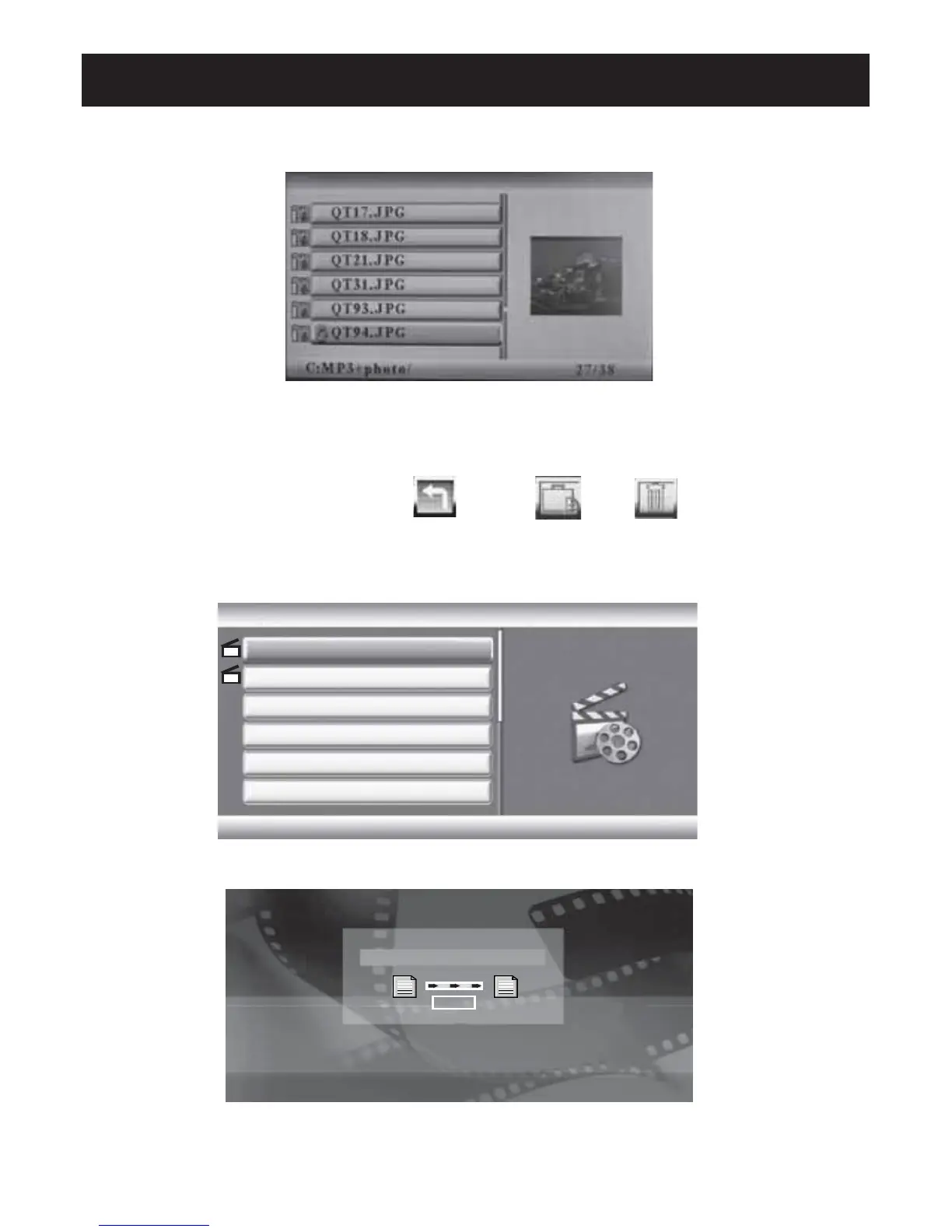
c) Press MENU and Return /Paste /Del menu displays on
the screen. (Exhibit 6)
d) Select Paste and press ENTER to paste the file. (Exhibit 7)
e) Press ENTER (ok) to return to the file list.
Exhibit 6. File Operation
Exhibit 7. File Copy
1.Movie
2.Movie
C:Movic
2/2
2. BMP
Finished
OK
Copy



 To Next Page