Menu Operation
Auto Channel Search
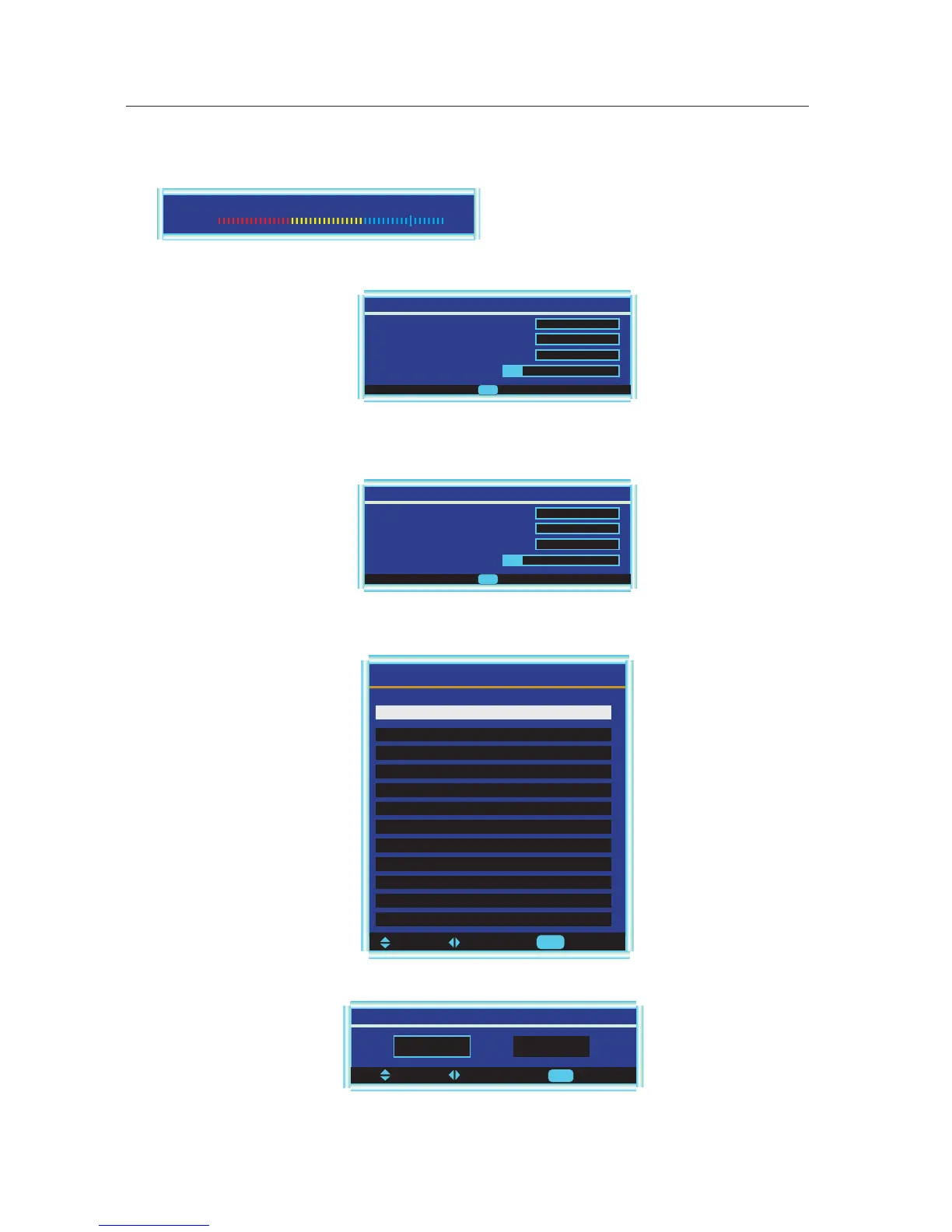
Press ▼ / ▲ button to select this item, then press ENTER/► button to enter the Auto Channel Search Program.
Add On Channel Search
Press ▼ / ▲ button to select this item, then press ENTER/► button to enter the Add On Channel Search Program.
Manual Channel Set
Press ENTER button to display a channel list that you can select channel as below:
To Move To Change To Select
Enter
Manual Channel Set Menu
Ch 42 -1 ATSCdmo Viewable
Ch 2 -0 Viewable
Ch 11 -0 Viewable
Ch 22 -0 Viewable
Ch 31 -0 Viewable
Ch 52 -0 Viewable
Ch 54 -0 Viewable
Ch 66 -0 Viewable
Ch 68 -0 Viewable
Channel labels
Allows you to name the channel selected. press ◄/► button to select the position of letter, press ▲/▼ button to set the name.
Channel Labels Menu
To Exit
Exit
Ch 42-1 ATSC dmo
Analog Found
Auto Ch Search - Air
Performing First Pass
Digital Found
Scanning
Progress(%) 12
2
0
To Exit
Exit
To Move To Change
Signal Level
In DTV mode, you can refer the strength of the current channel ,and you can tune manually and adjust the angle, orienta-
tion of the antenna etc.
Contrast 80
Weak Normal Good
Analog Found
Add On Ch Search - Air
Performing First Pass
Digital Found
Scanning
Progress(%) 12
2
0
To Exit
Exit
This function will add the channels not found before, and will not delete the channels unavailable at present.
Menu Language
Press ▼ / ▲ button to select this item, then press ENTER/► button to select the OSD language.
12



 To Next Page