TITLE
MENU
POWER
AUTO EJECT
DVD play list/ DISC menu.
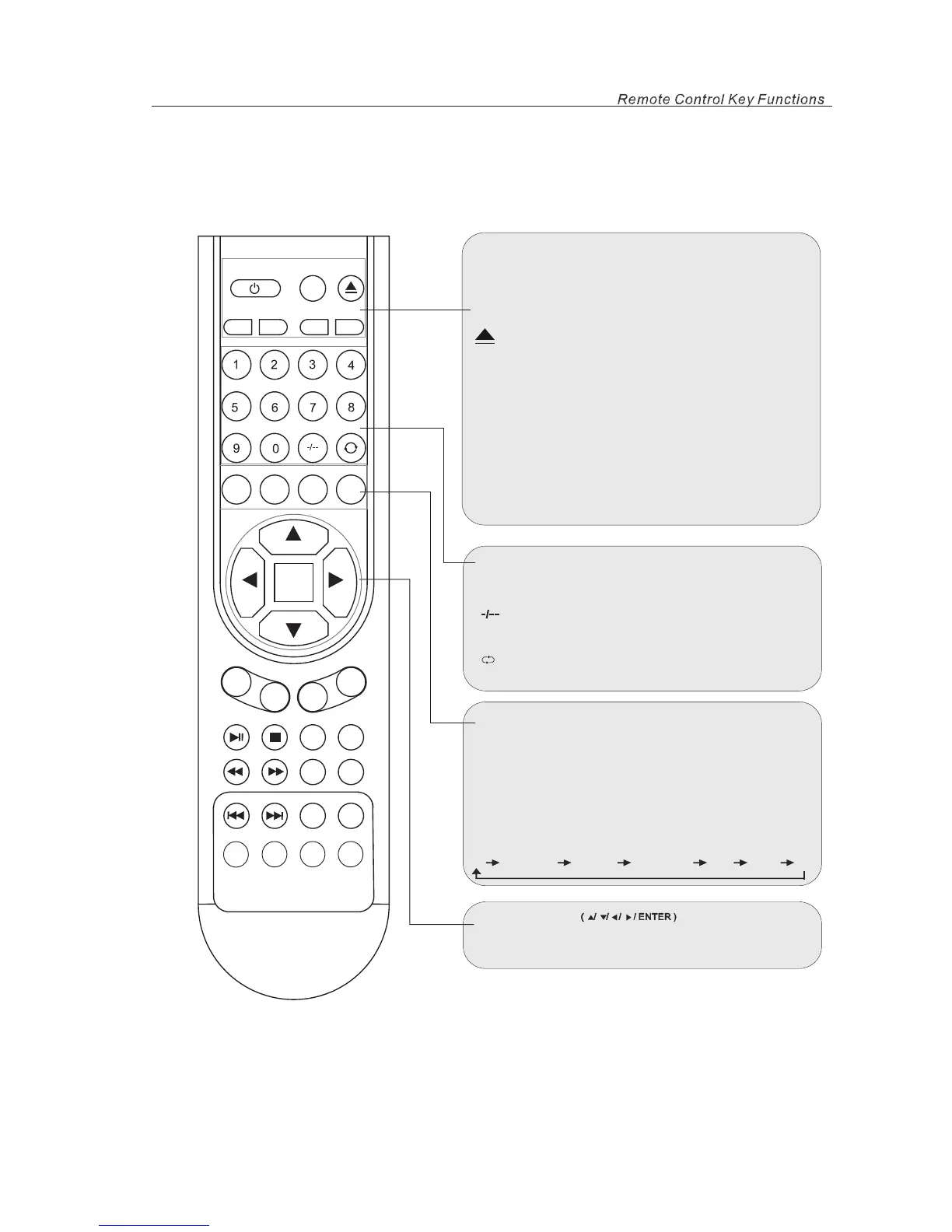
Remote Control Key Functions
Press to select the DVD title.
Press this button to enter a program number for
multiple program channel such as 2-1,etc.
Return to the previous channel viewed.
POWER
MUTE
AUTO
EJECT
P.MODE
S.MODE
TITLE
MENU
LCD-MENU
DVD-SETUP
DISPLAY
SOURCE
ENTER
VOL+
PLAY
/PAUSE
CC
MTS
GOTO
SUBTITLE
ZOOM
ANGLE
PROGAM
INTRO
PEPEAT
AB
STOP
SLOW/STEP
AUDIO
CH+
VOL-
CH-
Switch on LCD TV at standby mode or vice versa.
DVD eject
MUTE
Press to mute the sound. Press again or press
to resume.
VOL+
S.MODE
P.MODE
Press to cycle through the different sound settings.
Press repeatedly to cycle through the available
picture modes.
video
NUMBER BUTTONS
Press 0-9 to select a TV channel directly when
are watching TV. The channel change after 2 seconds.
you
TV
S-Video
Composite Component
VGA
HDMI DVD
LCD-MENU
DVD-SETUP
TV system setup.
DVD system setup.
SOURCE
Press to cycle through the input source in following:
DISPLAY
Press to display the source and channel’s information.
THUMBSTICK
Allows you to navigate the on-screen menus and
adjust the system settings to your preference.
6



 To Next Page