EasyManua.ls Logo

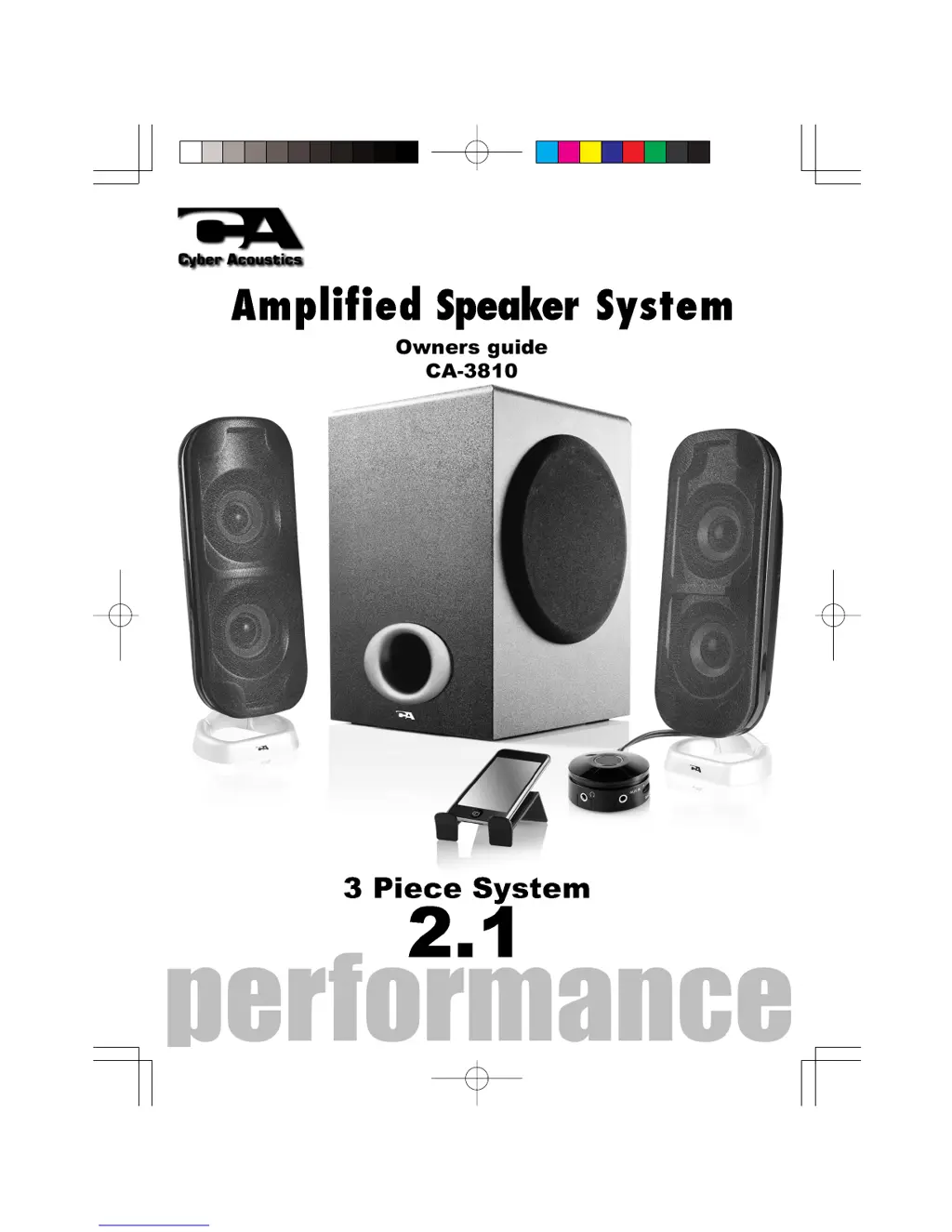
Cyber Acoustics CA-3810 - User Manual

Cyber Acoustics CA-3810
20 pages
Print Icon
To Next Page IconTo Next Page
Loading...
ca 3810_manu 12_new 2012/5/2 2:44 PM ›¶ 1
ƒXƒ¤“”
C M Y CM MY CY CMY K

Questions and Answers

  • J
    Jerry AndersonJul 28, 2025
    What to do if Cyber Acoustics Speaker System has no sound?
    • S
      Stephen PorterJul 28, 2025
      If your Cyber Acoustics speaker isn't producing sound, first ensure it's receiving power, referring to the power-on steps if needed. Then, check that the volume is at an audible level and all cables are correctly connected to the appropriate jacks, especially the green audio output jack on your computer's sound card. Also, confirm that your media device is playing with the volume up and not muted. If issues persist, test the speakers with another device having a 3.5mm headphone jack; if they work, the problem lies with your computer or its connections.
  • T
    timothymorrisAug 5, 2025
    How to turn on Cyber Acoustics Speaker System?
    • L
      lhernandezAug 5, 2025
      To turn on your Cyber Acoustics Speaker System, slide the power button to the 'on' position and check for the blue LED indicator light. Ensure the AC power cord is securely plugged into the wall outlet. Verify that the wall outlet or power strip you're using is actually providing power.
  • E
    Eric HigginsAug 17, 2025
    Why is my Cyber Acoustics Speaker System sound distorted?
    • M
      Matthew PerezAug 17, 2025
      If the sound from your Cyber Acoustics speaker system is distorted, try turning the volume down to reasonable levels. Also, check the volume level in your computer's operating system and reduce it if necessary. Adjust the computer’s master volume control by balancing the volume until it’s centered, then adjust the volume levels on the speakers.

Summary

Important Safety Instructions

Introduction

Box Contents

Lists all the items included in the speaker system package.

Speaker Preparation

Guidance on positioning the subwoofer and satellite speakers for optimal audio.

Speaker Connection

Desktop Computers

Instructions for connecting the speaker system to a desktop computer's audio output.

CD;DVD;MP3 Player Connection

Steps to connect audio devices like CD players, DVD players, or MP3 players.

Gaming System Connection

How to connect the speaker system to gaming consoles using an adapter.

Controls & Features

Trouble Shooting

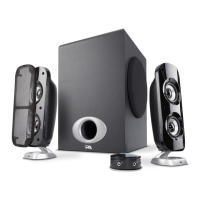
Cyber Acoustics CA-3810 Specifications

General IconGeneral
Product colorBlack
Volume controlRotary
RMS rated power38 W
Recommended usagePC
Remotely operatedYes
Remote control typeWired
Audio output channels2.1 channels
Amplification device included-
Amplification device form factorBuilt-in
Satellite speaker type2-way
Number of satellite speakers2
Satellite speakers RMS power16 W
Satellite speaker dimensions (WxDxH)76.2 x 81.28 x 215.9 mm
Satellite speaker mid-range driver diameter2 \
Subwoofer drivers quantity1
Subwoofer dimensions (WxDxH)193 x 193 x 287 mm
Subwoofer driver diameter (imperial)5.25 \
Power sourceAC

Related product manuals