5
Installation
2
Basic Install
1. Power down all computers that will be part of your AutoView
system.
Connecting your Peripherals
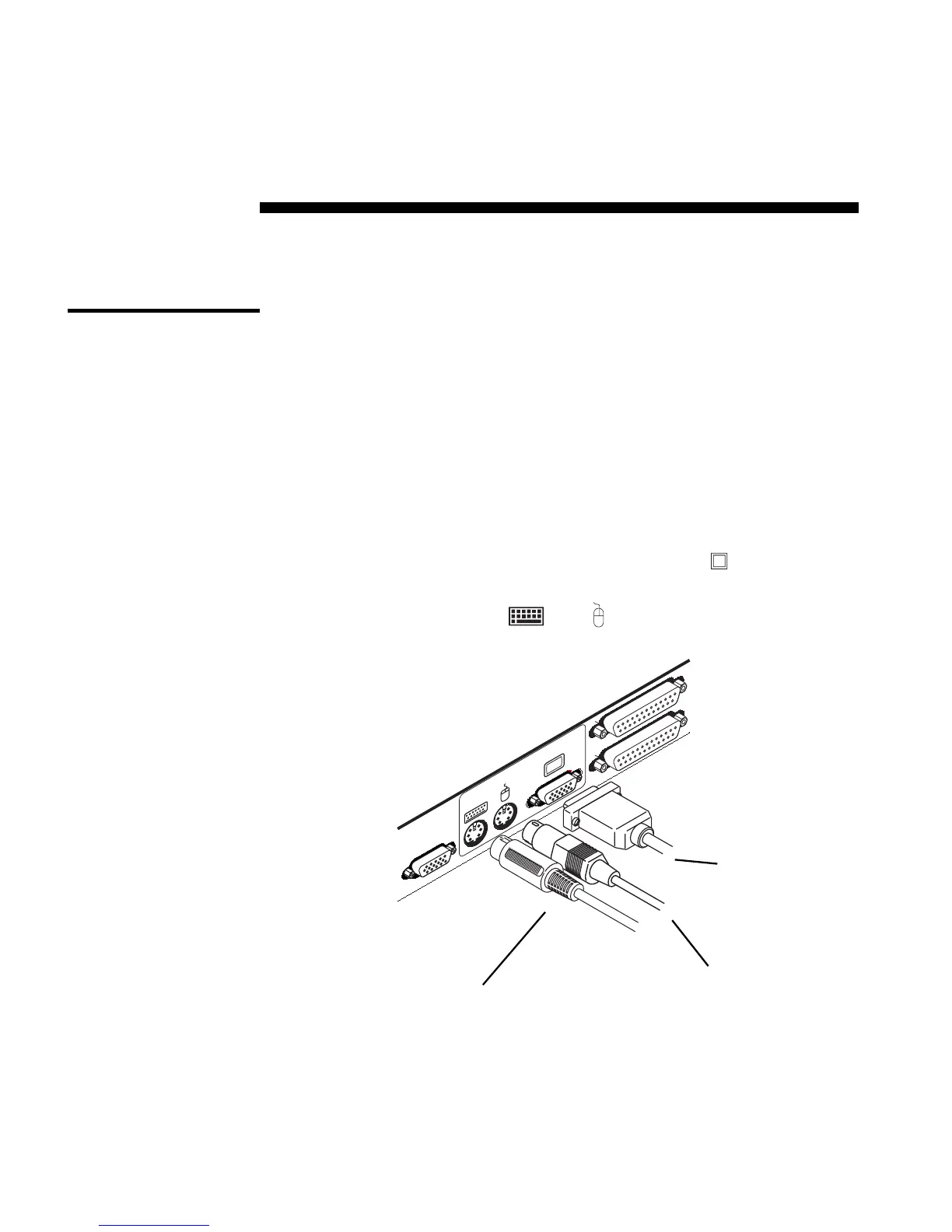
2. Locate your PS/2 keyboard, VGA video monitor and PS/2 mouse.
3. Plug your VGA monitor cable into the port labeled
on the back of
your AutoView. Plug your PS/2 keyboard cable and your PS/2 mouse
cable into the ports labelled
and respectively.
SETUP
A
E
USER
VGA MONITOR CABLE
PS/2 MOUSE CABLE
PS/2 KEYBOARD CABLE



 To Next Page