- CYPRES 2 User’s Guide - page 15
To change the mode:
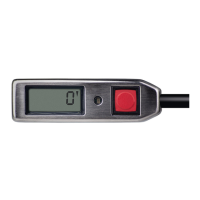
1. switch the unit on and run through the unit
information sequence (press and hold the
button when the appears at the end
of the switch-on procedure, see chapter 4.5.)
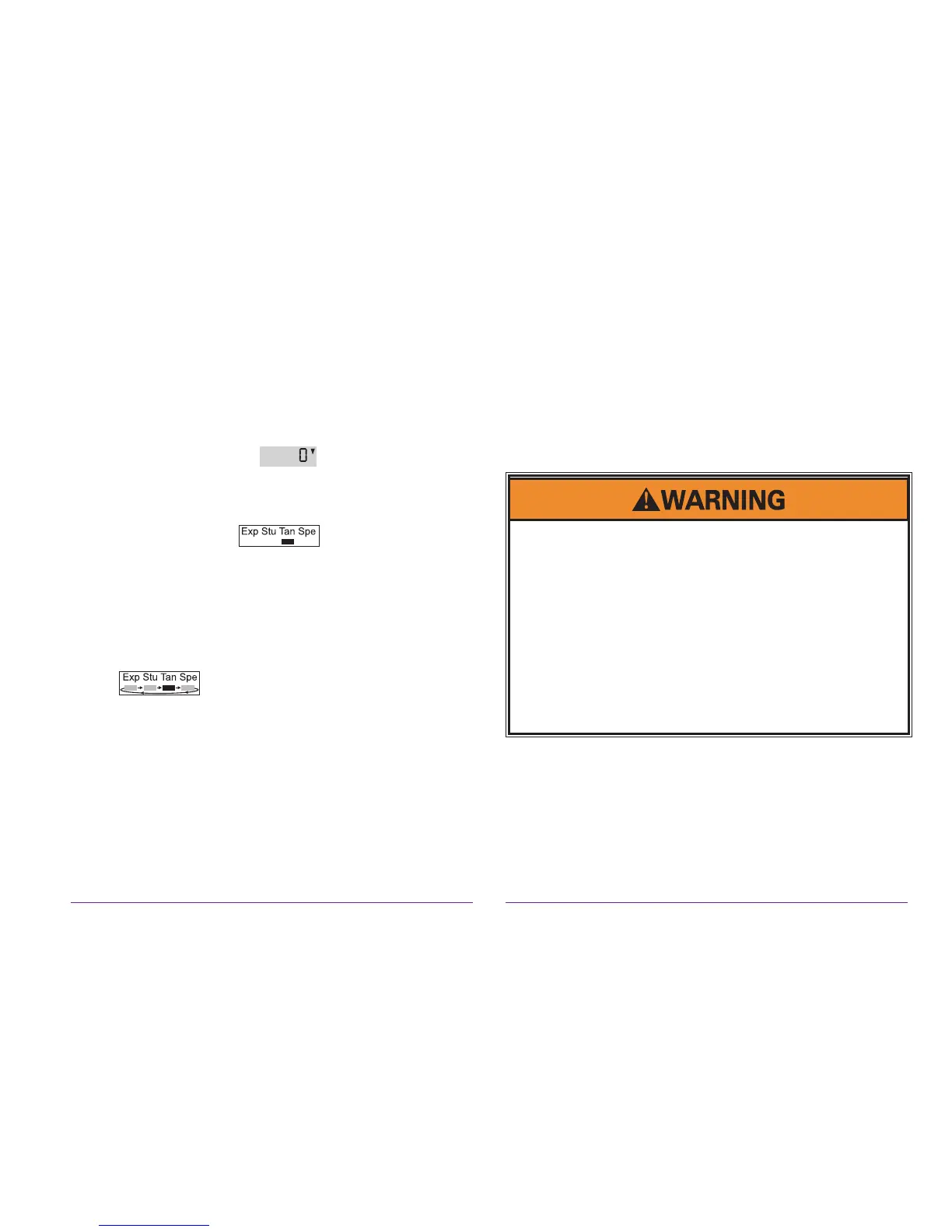
2. release the button when solely the indicating
digit is shown
3. press and hold the button immediately
4. the LED turns on
5. release the button when the LED turns off
6. now the digit moves from left to right
7. click the button when the digit is below the
desired mode
8. the unit shuts itself off
9. repeat 1 to 8 to accomplish the setting
The mode will only change when the procedure
1 - 8 is identically done two times. Otherwise the
unit will remain in its current mode.
Malfunction can result in false activation / no
activation:
Every technical device can fail. So everything
imaginable can happen with the CYPRES, including,
but not limited to: displaying a status which is not true,
failing to function, or functioning at a wrong moment or
at a wrong occasion.
Such inappropriate behavior can easily injure or kill you
or others.
If you or your friends or relatives are not willing to
accept these uncertainties and risks, then you must not
use CYPRES.
Note:
Changing the mode will automatically reset the
chosen mode to the standard settings of the ac-
cording model (see chapter 14).
You have to assure that your control unit pocket
(or window) is always clean and clear. That is
necessary to enable you to permanently recognize
all signs on the display.


 To Next Page
 Loading...