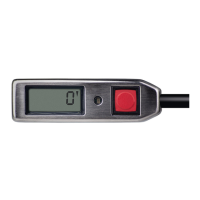
- CYPRES 2 User’s Guide - page 27
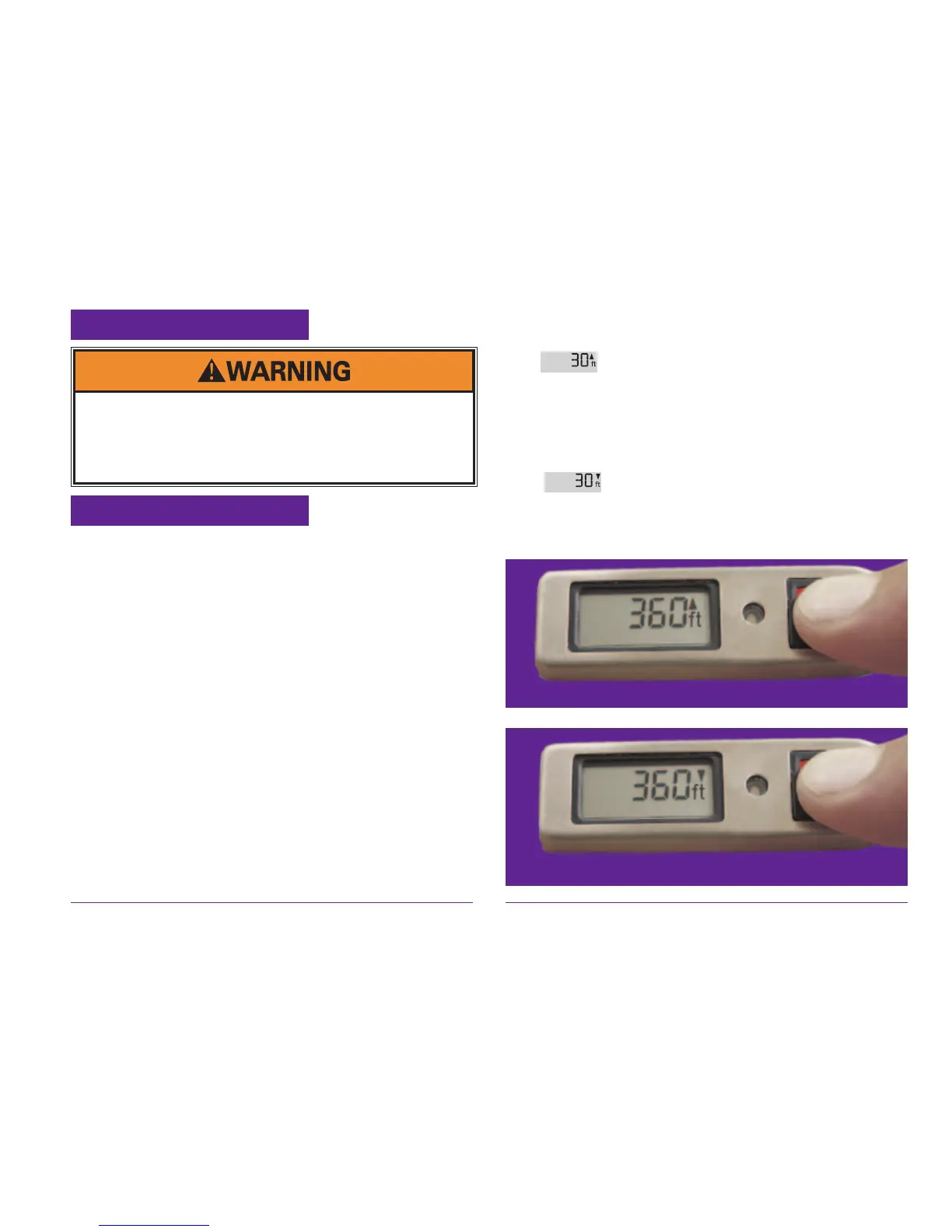
DZ 360 feet below aireld
4.4 Changing settings
4.4.1 Dropzone Offset
You must set the dropzone offset whenever the
aireld and the dropzone where you intend to land
are at different elevations.
CYPRES allows for adjustments of up to plus/
minus 3000 feet, or plus/minus 1000 meters. If an
adjustment has been made, either „meter“ or „ft“
is shown on the display. If „meter“ is shown, the
displayed value is in meters. If „ft“ is shown, the
value is in feet.
Switch on CYPRES only at the takeoff site on
the ground. In order to make the dropzone offset
adjustment, simply leave your nger pressed rmly
on the button when you press it for the fourth time
during switch-on. CYPRES will continue with its
self-test, and once it has nished, it will display 30
DZ 360 feet above aireld
feet (or 10 meters) with an arrow pointing
up (
). If you are going to jump to an elevation
which is 30 feet higher than your take off, then
release the button.
If you keep it pressed, then CYPRES displays 30
feet
(10 meters) with an arrow pointing
down (
). If you are going to jump to a 30 feet
lower elevation, then release the button.
Settings: After changing settings as described in chapter
4.4.2 and following, switch the unit ON and verify the settings
within the unit information sequence (see chapter 4.5)
Wrong settings can cause injury or death.
Any adjustment solely on the user‘s risk.


 To Next Page
 Loading...