page 30 - CYPRES 2 User’s Guide -
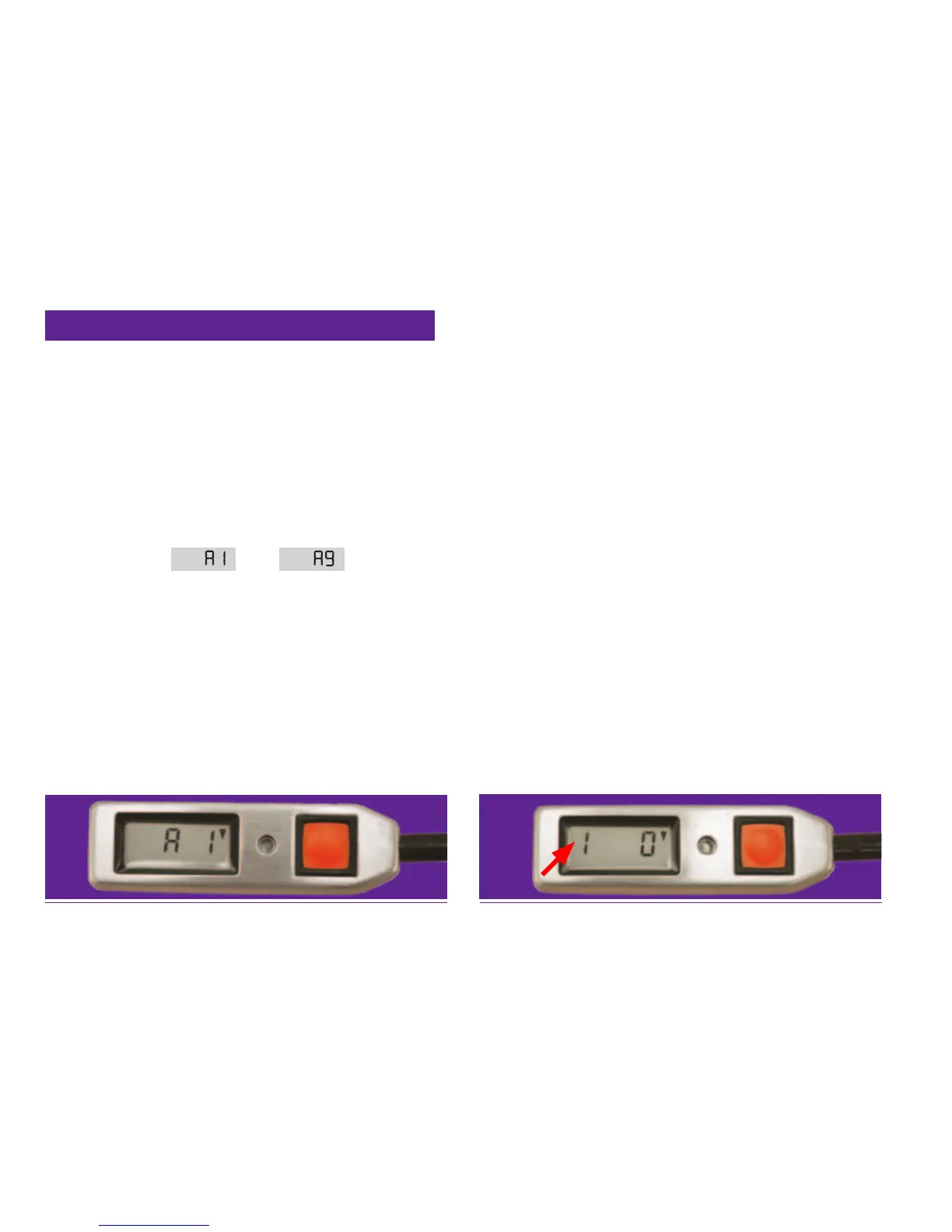
indicating 100 ft (30 m) increase to
activation altitude during self-test
indicating 100 ft (30 m) increase to activation
altitude after self-test ( operating mode display)
left digit blinks
4.4.2 User-selectable activation altitude
CYPRES 2 offers (since 01 2013) users the option
of increasing the activation altitude up to 9 steps
of approximately 100 feet (30 meters) each. The
steps are named “A 1” thru “A 9” (“A” for altitude).
“A 1” indicates approximately a 100 ft. (30 me-
ters) increase to the standard CYPRES activation
altitude, “A 2” indicates approximately a 200 ft.
(60 meters) increase to the standard activation
altitude, etc.
If selected, the
thru is displayed
during the self-test countdown between the “10”
and the “0”. (For example, if “A 1” is selected, the
self-test countdown will be: 10; 9; 8; 7; 6; 5;
4; 3; 2; A 1; 0 )
Also, after the self-test is complete, the selected
number (1-9) will blink on the far left location of
the display. At altitude the selected number is vis-
ible permanently.
Note:
• All activation altitude references in this
User’s Guide are based on the standard
setting with no user-selectable activation
altitude selection.
• The CYPRES 2 disarm altitudes of approx.
130 ft (40 meters), [approx. 330 ft (100 me-
ters) on a Speed CYPRES 2], do not change
with user-selectable modication.
• Default delivery setting of new units is A0.
• After a model change, the settings of the
chosen model will be reset to the standard
settings (see chapter 14).


 To Next Page
 Loading...