page 32 - CYPRES 2 User’s Guide -
4.4.3 User-selectable activation altitude
setting procedure
If you decide to select a different CYPRES activa-
tion altitude, you must enter the unit information
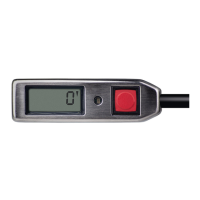
area by pressing the button down immediately
when the zero has appeared at the end of the self-
test, and then keep it pressed down (see User’s
Guide section 4.5).
• After your CYPRES 2 has shown the ight
counter, the serial number, the next possible
maintenance date, it shows the feet or meter
setting*. The next information you will see
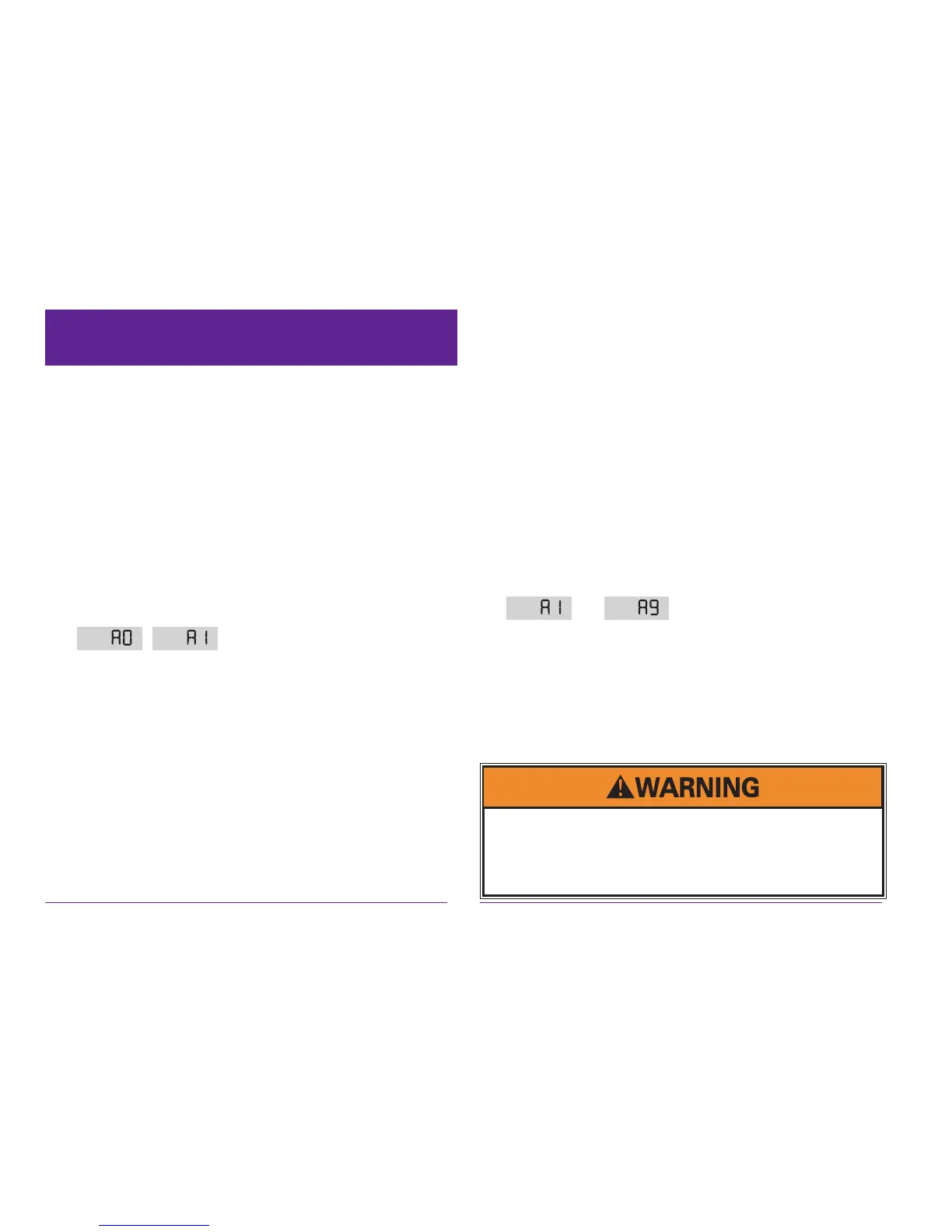
is the current Activation Altitude Setting (
, etc.).
• After ½ second release the button and imme-
diately press it again.
• The LED (red indicator light) will turn on.
• When the LED turns off, immediately release
the button.
• Then you see the sequence A 0; A 1; A 2; A 3;
A 4; A 5; A 6; A 7; A 8; A 9; (repeated) on the
display.
• Click once on your choice of number and
CYPRES will shut down.
Next for safety purposes (to make certain that this
setting is never changed accidentally), you have to
repeat this same procedure once more, conrming
the new setting.
During the conrmation, if you do anything else
other than the identical procedure, your attempt
is invalid and you will have to start over again
(performing the procedure two times).
Once a User-Selectable Activation Altitude has
been set on your CYPRES, it remains in effect until
another setting is selected. During the self-test your
CYPRES will indicate this setting by displaying
it (
to ) at the appropriate time
during the self-test countdown. After the self-test
is complete, the selected number (1-9) will blink
on the very left location of the display as long as
your CYPRES is on.
The procedure takes 80 seconds and can not be
unintentionally executed.
Because of the variables involved, it is the user alone
who bears all responsibility and consequences of the
activation altitude setting. Airtec GmbH & Co. KG, the
manufacturer of the CYPRES device, does not take
any responsibilities thereof.


 To Next Page
 Loading...