Need help?
Do you have a question about the Cyrus CD6 and is the answer not in the manual?
Essential warnings and precautions for safe operation, including electrical hazards and environmental considerations.
Guidelines for safe power connection, cord management, and protection against surges.
Instructions regarding product servicing, user-serviceable parts, and safety checks after repair.
Guidance on unpacking, selecting a location, and connecting the CD player.
Instructions for connecting the CD player to amplifiers, external D/A converters, and PSX-R.
Optional connection for integrated system control via the Mc-Bus.
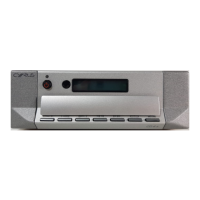
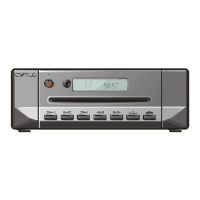
Explanation of front panel controls for power, playback, track selection, and display.
Steps for storing and excluding tracks for custom playback sequences.
Details on using the Audio Commander for CD player and amplifier control.
Managing the display settings and adjusting absolute phase for optimal sound.
Solutions for common problems like no sound, skipping tracks, disc errors, or display issues.
Details on product warranty, exclusions, and claims process.
Detailed specifications for CD8 and CD6 models, including power, dimensions, and audio performance.


 To Next Page
 General