3 / 26
1. Turn on/ Turn off bike computer: Press for seconds to turn or turn off the
bike computer;
2. Turn on/ Turn off bike front light: After turning on the bike computer and press
for 3 seconds to turn on or turn off front light.
3. Active walk mode(Optional) : After turning on the bike computer and press
for 3 seconds to active the walk mode
4. Increase/ Decrease PAS Level: After turning on the bike computer and press
to increase the PAS Level and Press to decrease PAS level.
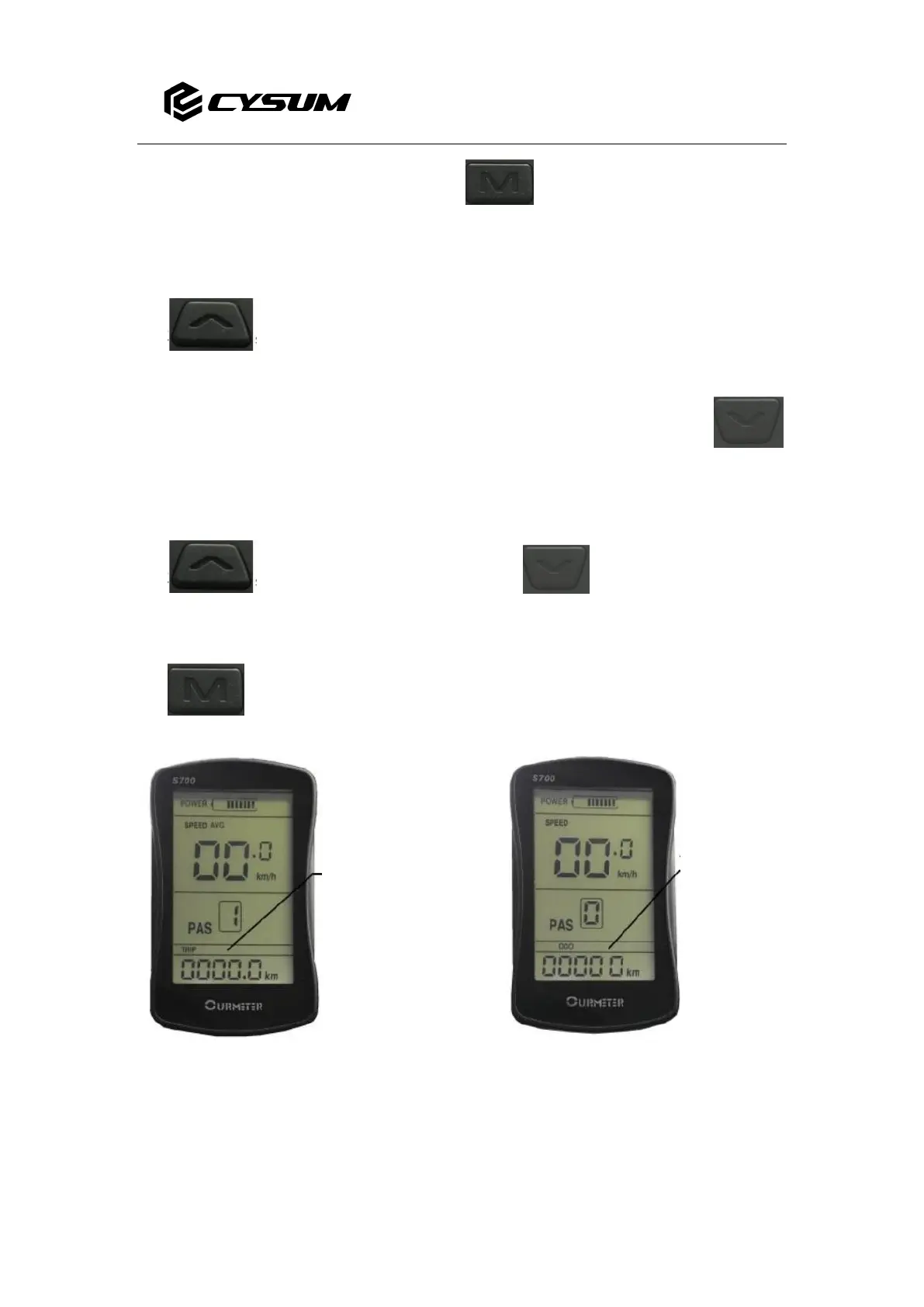
5. ODO/TRIP/ERR/TIME Checking: After turning on the bike computer and press
one time to switch and check data of ODO/TRIP/ERR/TIME. (Images Below)


 To Next Page
 Loading...