4 / 26
6. Enter Setting Mode: After turning on the bike computer and press
and together for 3 seconds to enter setting mode,
Then press to switch P level setting from P01 to P18
and press or to choose the right data code for each P level
setting.
7. Speed/AVG/Max Checking: After turning the bike computer, press +
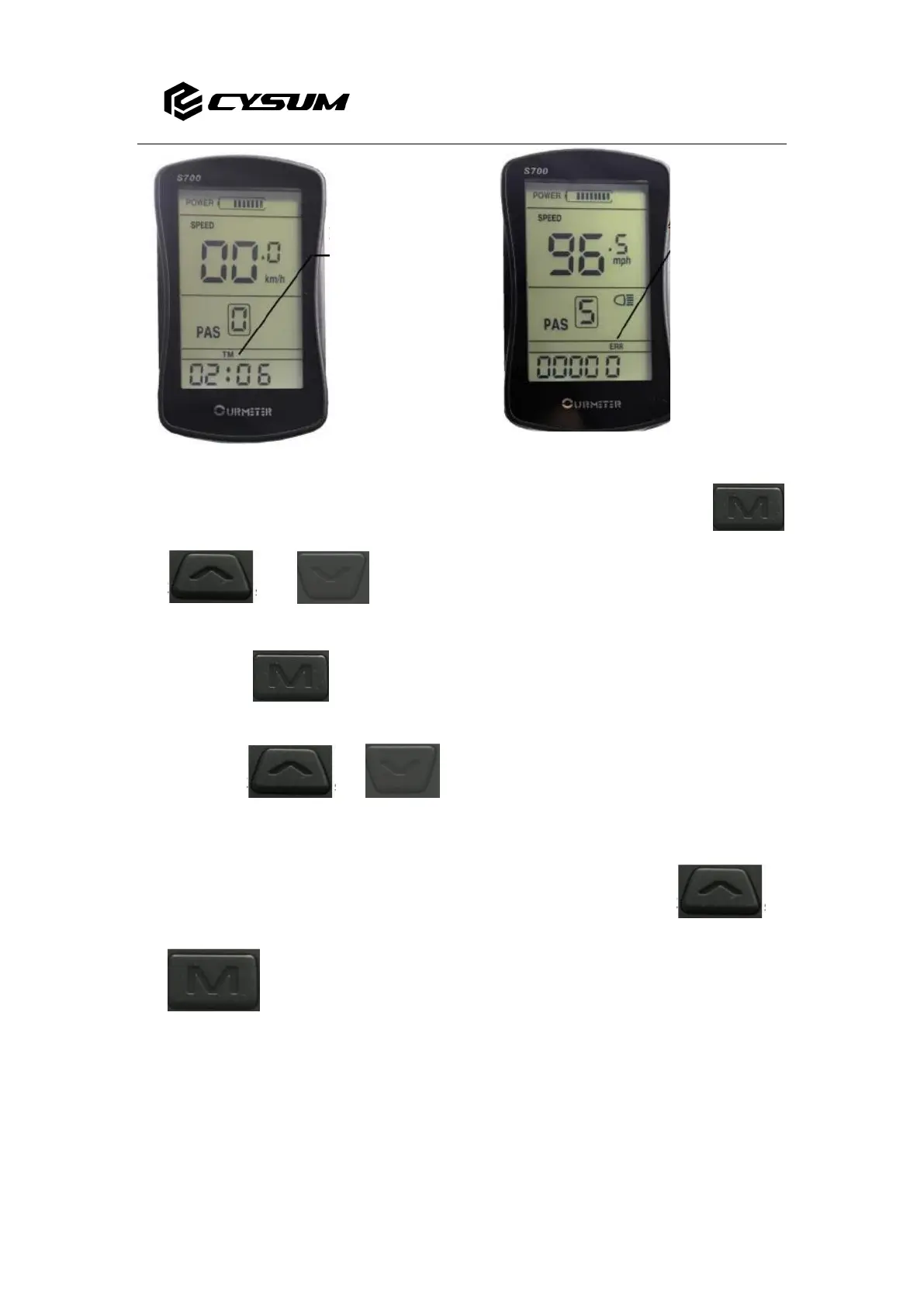
for 3 seconds to switch and check data of Speed/AVG/Max.( Images Below)



 To Next Page