EasyManua.ls Logo

cytiva AKTA go - User Manual

cytiva AKTA go
126 pages
Print Icon
To Next Page IconTo Next Page
Loading...
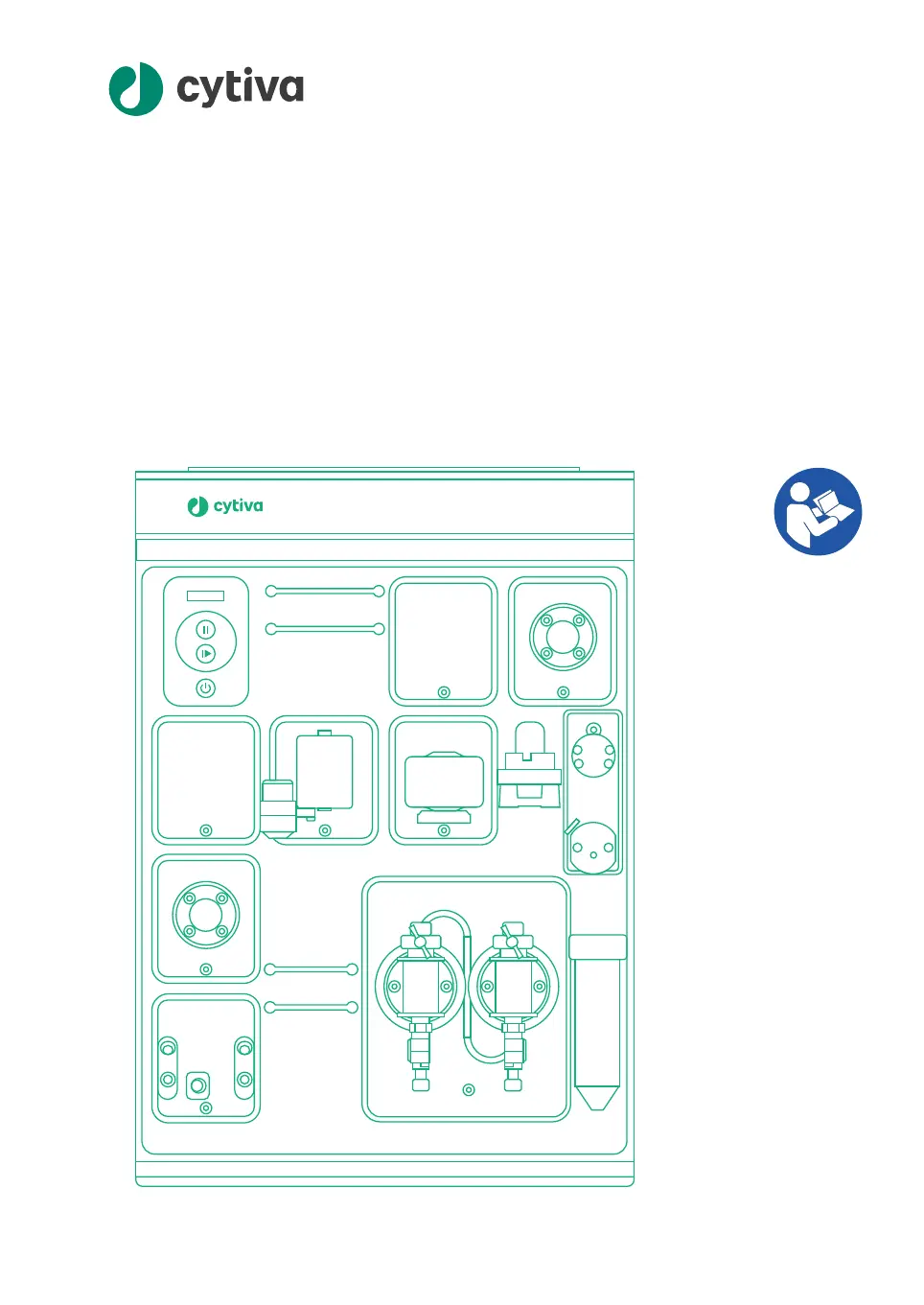
ÄKTA go™
Oper
ating Instructions
Original instructions
ÄKTA go
cytiva.com

Table of Contents

Other manuals for cytiva AKTA go

Questions and Answers

  • C
    crystal47Aug 5, 2025
    What to do if pressure alarm issued on cytiva AKTA go?
    • M
      Marcia MurrayAug 5, 2025
      If you're getting pressure alarms with your Cytiva Industrial Equipment, it might be because the flow rate is too high for the column you're using; try lowering it. Alternatively, check for kinks in the tubing, overtightened connections, or precipitation in the flow path. If you find any of these issues, replace the tubing.
  • L
    lblackAug 10, 2025
    How to fix difficulty connecting to cytiva AKTA go?
    • W
      Wendy HoffmanAug 10, 2025
      To resolve difficulties connecting to Cytiva Industrial Equipment, ensure that both the instrument IP address and the computer IP address are on the same subnet. Also, try restarting the computer to start the UNICORN instrument server.
  • D
    Daniel WilliamsonAug 15, 2025
    Why is there a spike in the UV signal in Cytiva Industrial Equipment?
    • M
      Mr. James MontgomeryAug 15, 2025
      A spike in the UV signal in Cytiva Industrial Equipment can occur if the flow restrictor has been removed after the UV cell. Replace the flow restrictor back in the flow path after the conductivity monitor. Another cause could be air in the system. In that case, prime the inlets and purge the pump.
  • J
    Jennifer JohnsonAug 20, 2025
    Why is the pressure unstable in cytiva AKTA go Industrial Equipment?
    • T
      Thomas HernandezAug 20, 2025
      If you observe an unstable pressure in Cytiva Industrial Equipment, it might be due to air in the pump. Try priming the inlets and purging the pump to resolve this issue.
  • M
    Michael HermanAug 26, 2025
    What causes an unstable conductivity signal in cytiva AKTA go Industrial Equipment?
    • J
      Johnny JohnsonAug 26, 2025
      An unstable conductivity signal in Cytiva Industrial Equipment may be due to air in the pump. To resolve this, prime the inlets and purge the pump.
  • T
    Taylor WilsonAug 30, 2025
    How to fix truncated text in UNICORN for Cytiva Industrial Equipment?
    • A
      Amy WilsonAug 30, 2025
      If the text in UNICORN appears large and truncated, making it unreadable, it's likely due to scaling changes in the Windows operating system. Set the zoom level in Windows to 100% and restart your computer.

Summary

Introduction

Important User Information

Provides essential user information, safety warnings, intended use, system definition, and prerequisites for operation.

About This Manual

Details the manual's purpose, scope, notes, tips, and typographical conventions used for clarity.

Associated Documentation

Lists related user documentation, including manuals and guides for the ÄKTA go system and UNICORN software.

Abbreviations

Defines abbreviations used throughout the document for consistent understanding.

Safety Instructions

Safety Precautions

Outlines essential safety precautions, including warnings, cautions, and notices for safe operation.

Labels and Symbols

Explains product labels, safety symbols, and their meanings for user awareness.

Emergency Procedures

Details procedures for emergency shutdown, restart, and actions to take during power failures.

System Description

ÄKTA go Instrument

Provides an overview of the ÄKTA go instrument, its exterior design, and control panel.

Available Modules

Describes the standard and optional modules that can be integrated with the ÄKTA go system.

UNICORN Software

Introduces the UNICORN software, its modules, and user interface for system control.

Installation

Site Preparation

Covers site planning and necessary preparations for installing the ÄKTA go system.

Hardware Installation

Provides step-by-step instructions for physically installing the ÄKTA go instrument and its components.

Software Installation

Guides users through installing and configuring the UNICORN software for the instrument.

Start UNICORN and Connect to System

Explains how to launch UNICORN, log in, and establish a connection with the ÄKTA go instrument.

Prepare the System for a Run

Prepare the Flow Path

Details how to set up the instrument's flow path, including module definitions and tubing connections.

Prime Inlets and Purge Pump Heads

Instructs on priming inlets and purging pump heads to remove air for optimal performance.

Performance Tests

Describes how to conduct performance tests to verify the instrument's functionality before use.

Connect a Column

Provides steps for connecting a chromatography column to the instrument, ensuring no air is introduced.

Pressure Alarms

Explains how to set and manage pressure alarms for column protection during operation.

Prepare for a Run at Low Temperature

Offers precautions and adjustments for operating the system in cold environments to maintain performance.

Run a Method

Create a Method

Guides users on creating new chromatographic methods using the UNICORN Method Editor.

Prepare Sample for Loading

Details methods for preparing samples for loading onto the column via loops, Superloop, or pump.

Start a Method Run

Explains the process of initiating a previously created chromatographic method.

Monitor or Interact with the Run

Describes how to monitor an ongoing run and interact with it using the System Control module.

Evaluate the Run

Covers how to analyze and evaluate the results of a completed chromatographic run.

Procedures After the Run

Outlines essential steps for cleaning, column storage, system storage, and shutdown after a run.

Maintenance

Clean the Instrument Externally

Provides instructions for cleaning the exterior surfaces of the ÄKTA go instrument.

Perform System Cleaning-In-Place (CIP)

Details the procedure for performing a system Cleaning-In-Place (CIP) to clean the entire flow path.

Replace Pump Rinsing Liquid

Explains the procedure for replacing the pump rinsing liquid.

Replace the Main Fuses

Provides instructions on how to safely replace the main fuses of the instrument.

Troubleshooting

Reference Information

System Specifications

Lists the technical specifications, dimensions, weight, and power requirements of the ÄKTA go system.

Chemical Resistance Specifications

Details the chemical resistance of the ÄKTA go instrument's flow path to various chemicals.

Recycling Information

Provides information on product decommissioning, decontamination, and disposal of components.

Regulatory Information

Lists applicable regulations and standards for the product in different geographical regions.

cytiva AKTA go Specifications

General IconGeneral
Brandcytiva
ModelAKTA go
CategoryIndustrial Equipment
LanguageEnglish

Related product manuals