ROBOT . HEAD to TOE
Product User’s Manual – MD13S
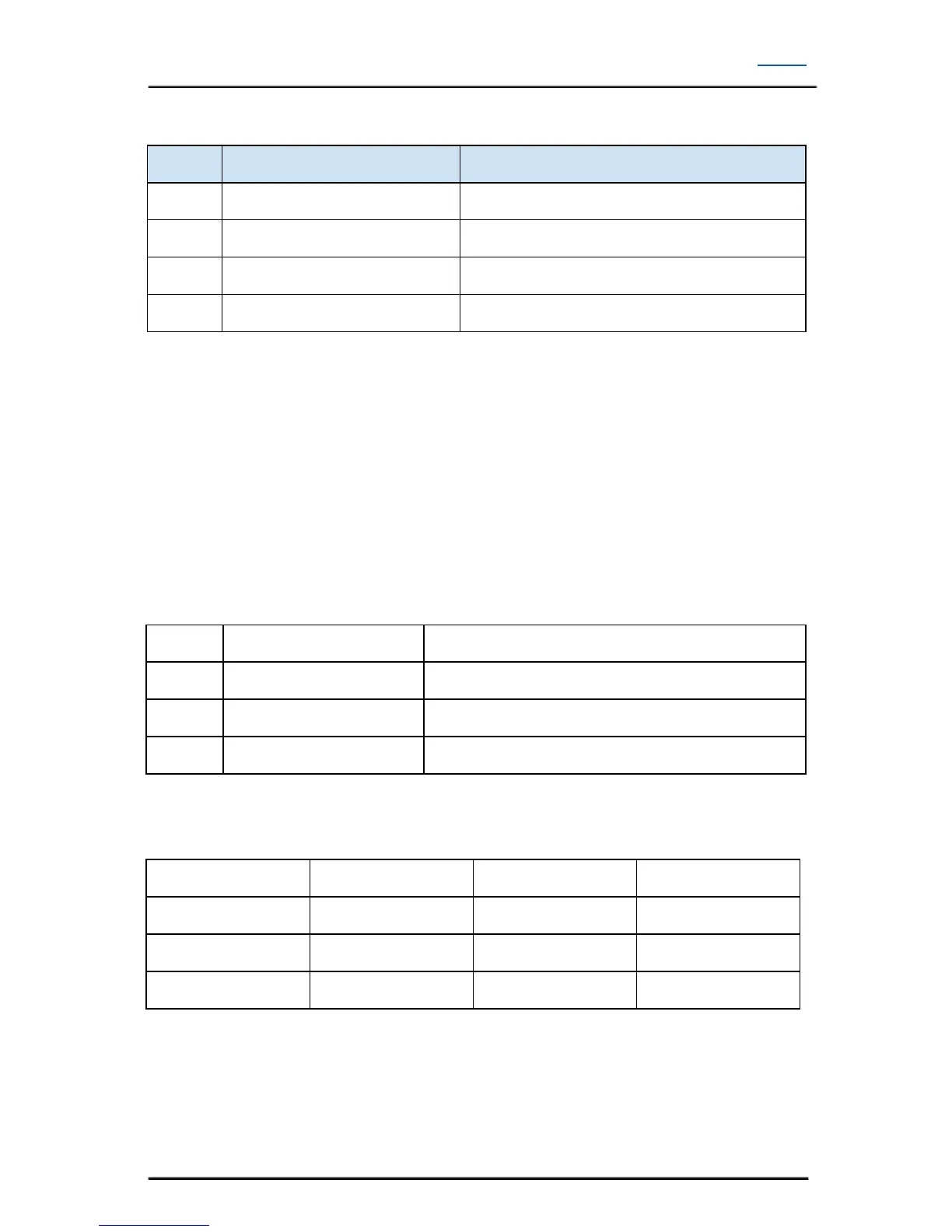
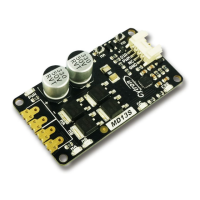
1. Terminal Block – Connect to motor and power source.
Positive Supply (6V to 30V)
Connect to motor terminal A
Connect to motor terminal B
2. MA LED Indicator – Turns on when the output A is high and output B is low. Indicates the
current flows from output A to B.
3. MB LED Indicator – Turns on when the output A is low and output B is high. Indicates the
current flows from output B to A.
4. MA Test Switch – When this button is pressed, current flows from output A to B and
motor will turn CW (or CCW depending on the connection).
5. MB Test Switch – When this button is pressed, current flows from output B to A and
motor will turn CCW (or CW depending on the connection).
6. Input
PWM input for speed control
**Note that it is not for RC PWM operation
The truth table for the control logic is as follow:
7. Power LED Indicator – Power LED. Should be on when the board is powered on.
8. OC (Over Current)LED Indicator, Output current is over 30A limit.
9. ERR LED Indicator - Error LED Indicator
10. SMD compatible
Created by Cytron Technologies Sdn. Bhd. – All Rights Reserved 6


 To Next Page